Quickstart guide.
Get up to speed in minutes. Explore the core features that make MyMT Manager your go-to tool for navigating the MT and Acting application process.
Watch the Walkthrough
See MyMT Manager in action in this quick video tour.
Browse Schools
Explore more than 1,700 BFA, BA, and BM programs in Musical Theater, Acting, Design/Tech, and Theater across 997 schools. View school cards with key details at a glance, then dive into full profiles with prescreen and audition requirements.
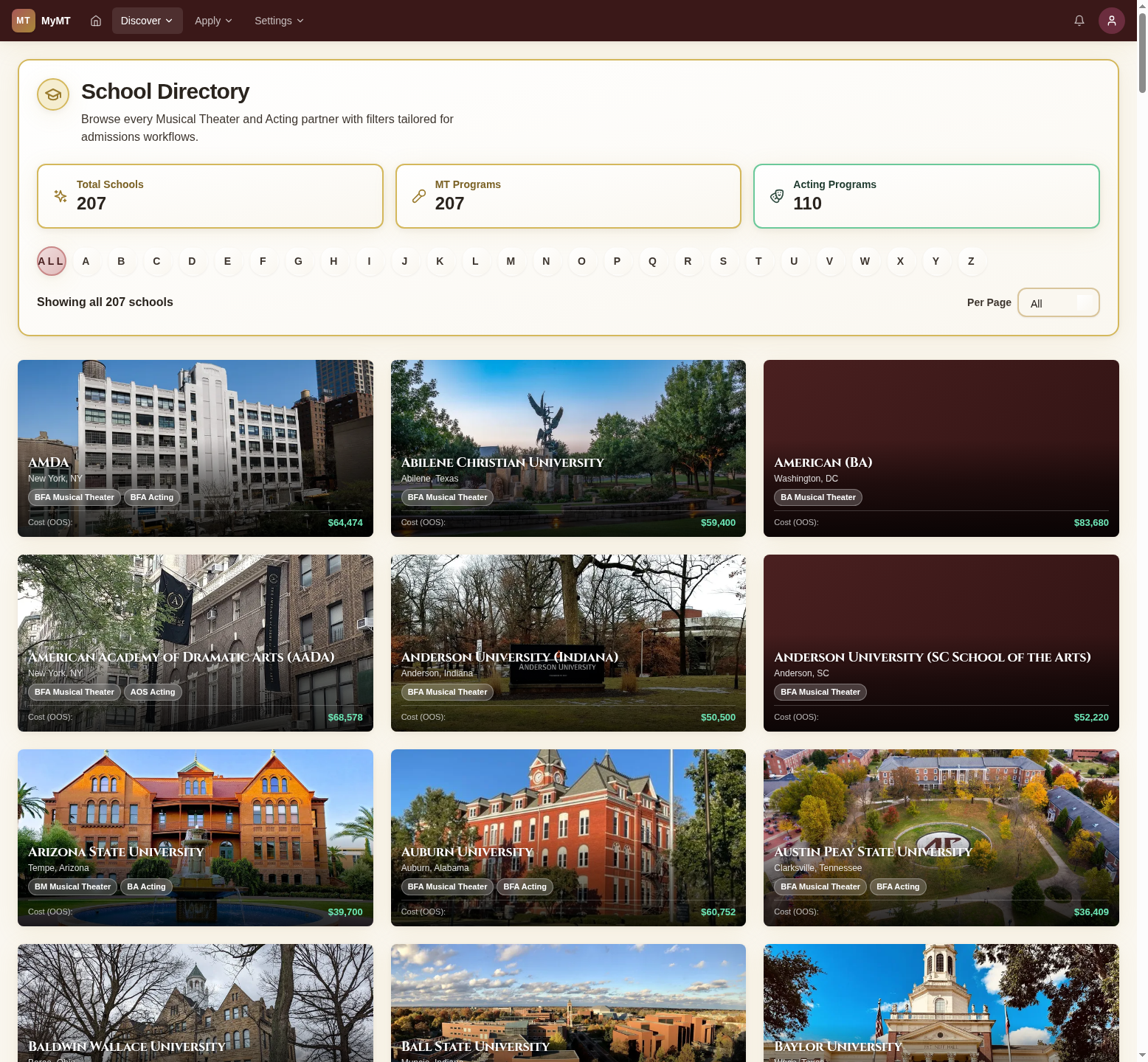
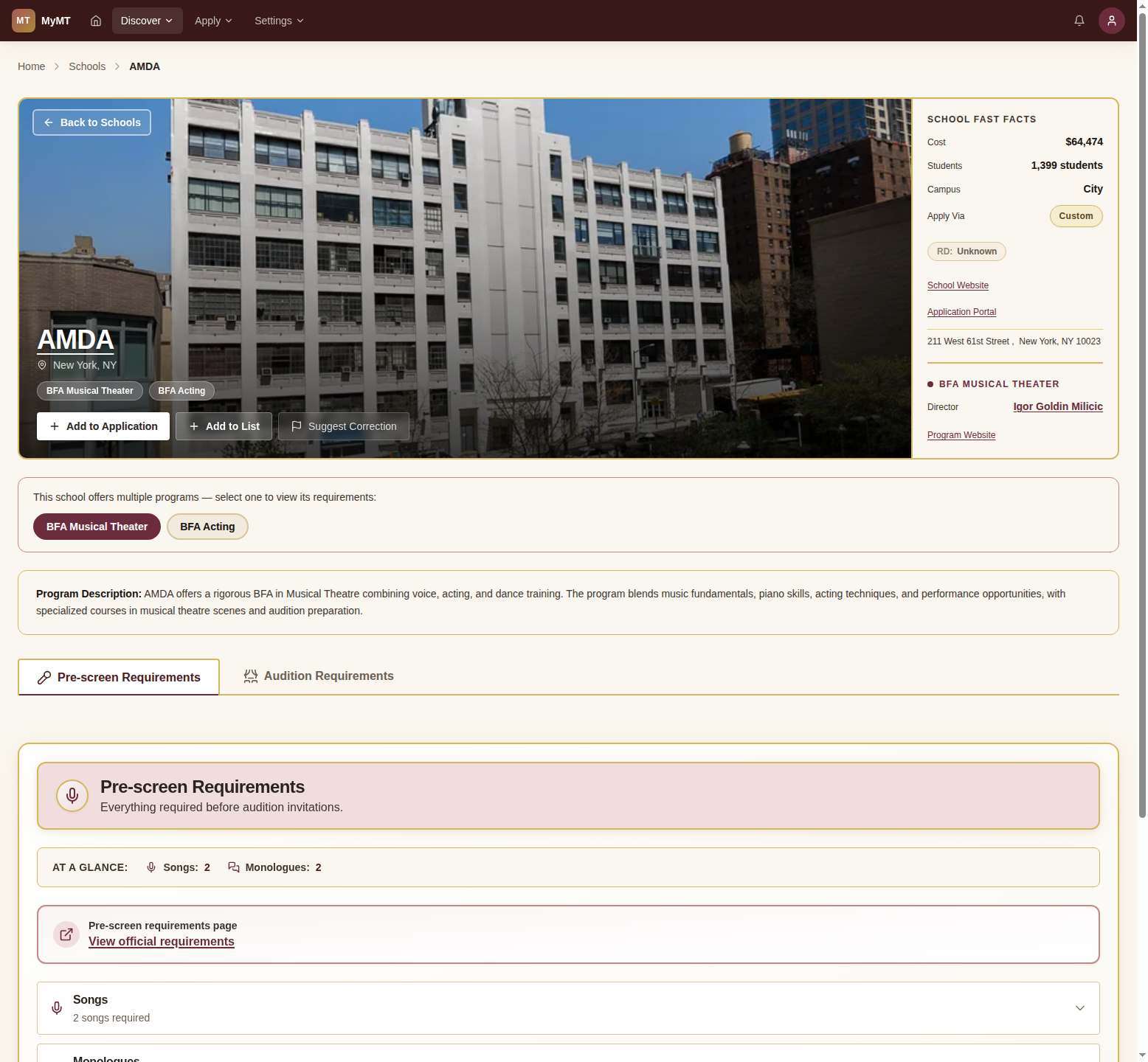
Browse the full school directory. Each card shows the school name, location, degree type, prescreen stats, and cost at a glance. Use the alphabet bar or pagination to find specific programs.
Search & Filter
Use the Discover Programs page to narrow down schools by location, enrollment size, degree type, audition format, and more.
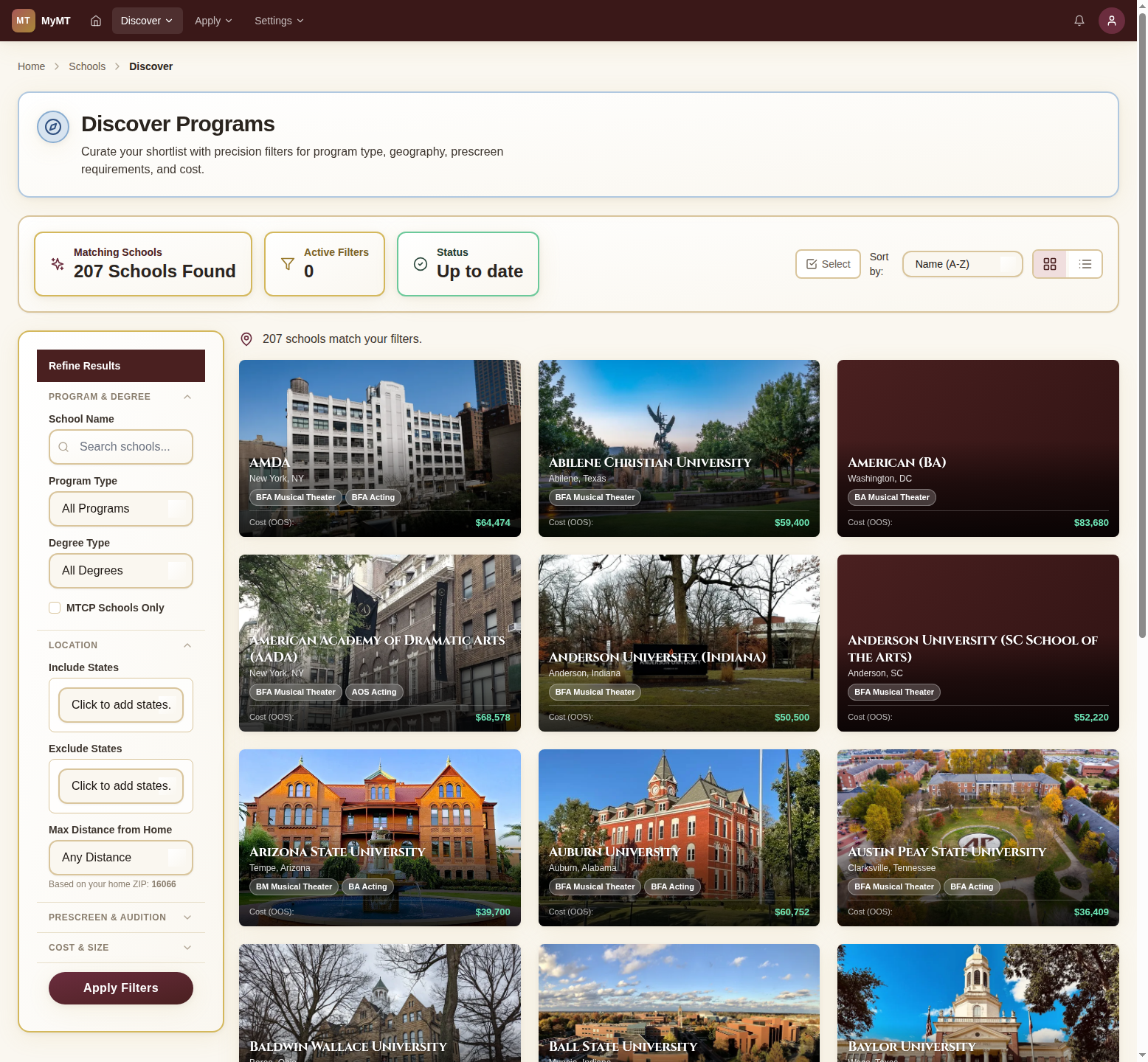
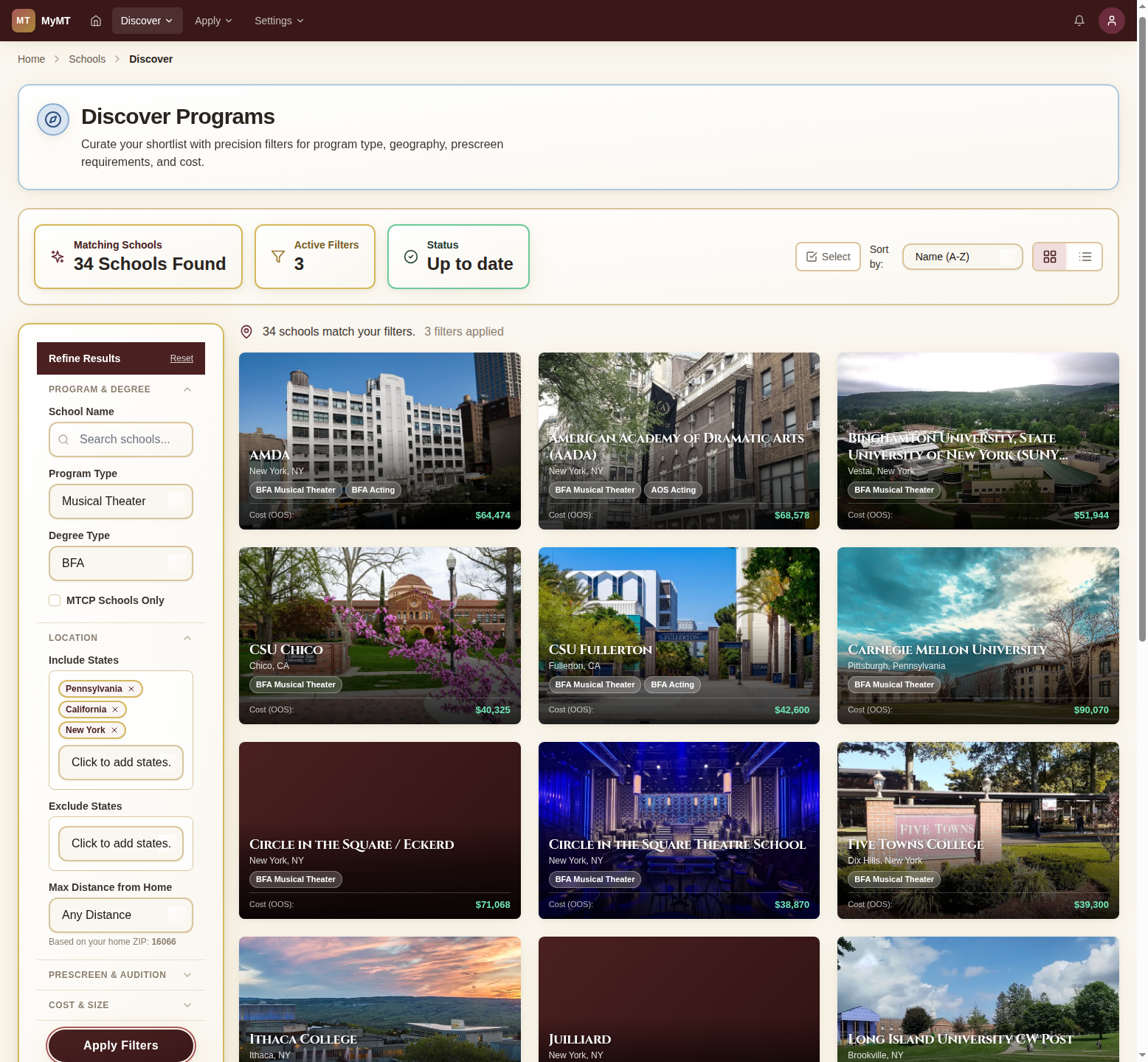
The Discover Programs page lets you filter by degree type, state, campus size, prescreen requirements, and more. The matching school count updates as you adjust your criteria.
My Lists
Organize your favorite schools into custom lists: dream schools, safety picks, regional groups, or any category that works for you.
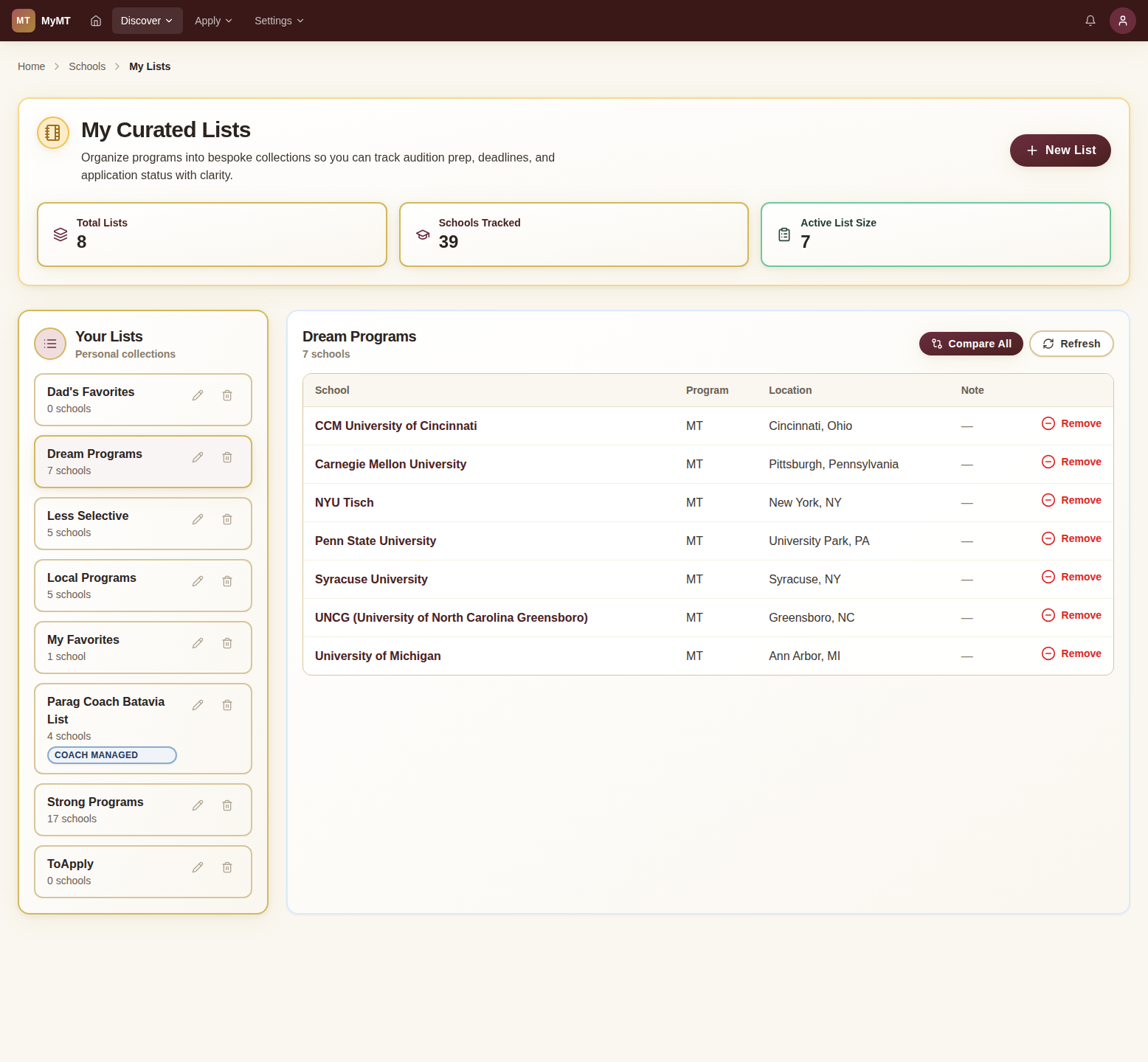
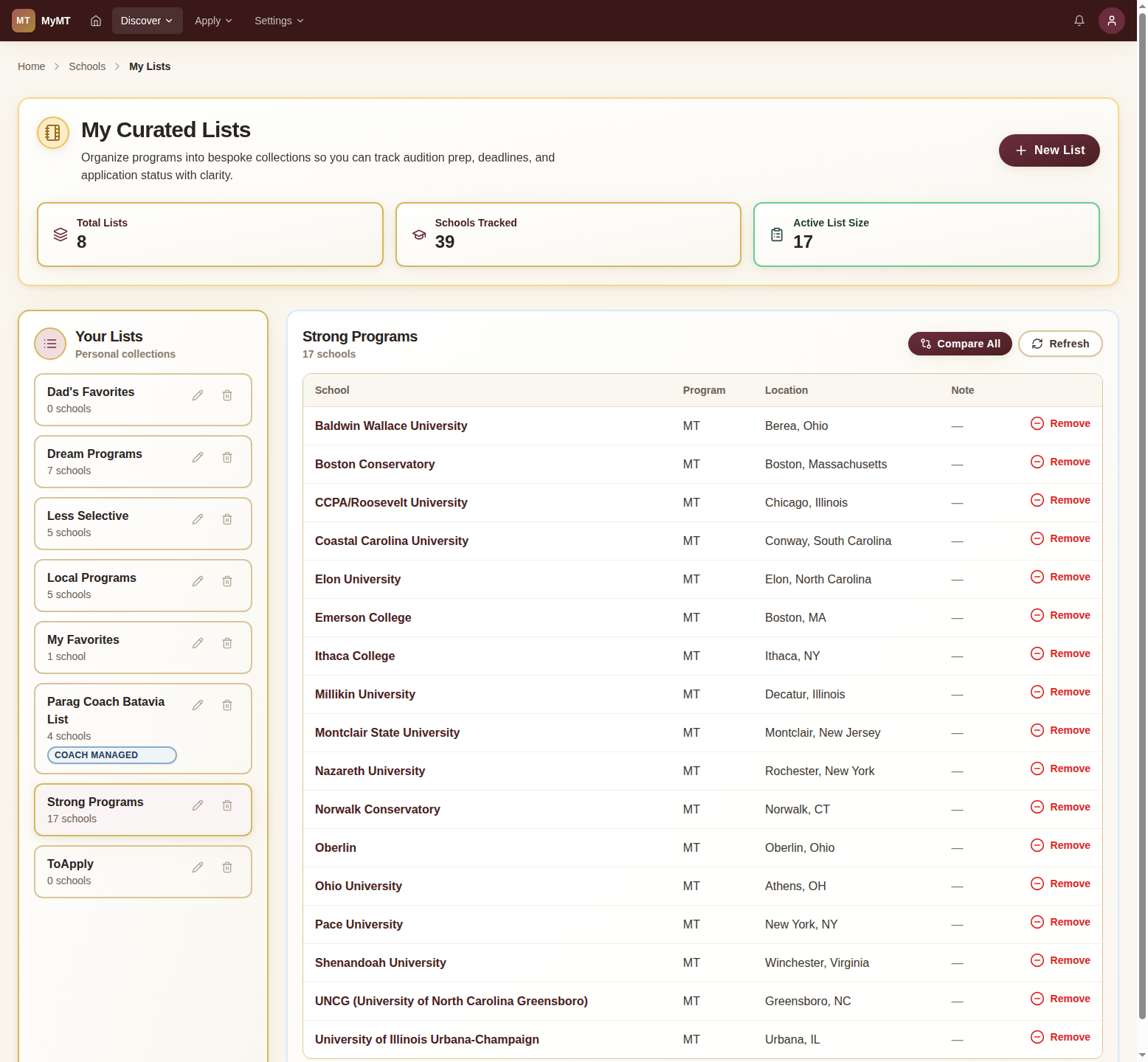
Your lists appear in the left panel. Click any list to see its schools in the detail pane on the right, with program type, location, and a Compare All option.
Compare Schools
Put schools side-by-side to compare demographics, prescreen requirements, and audition details. See the big picture at a glance.
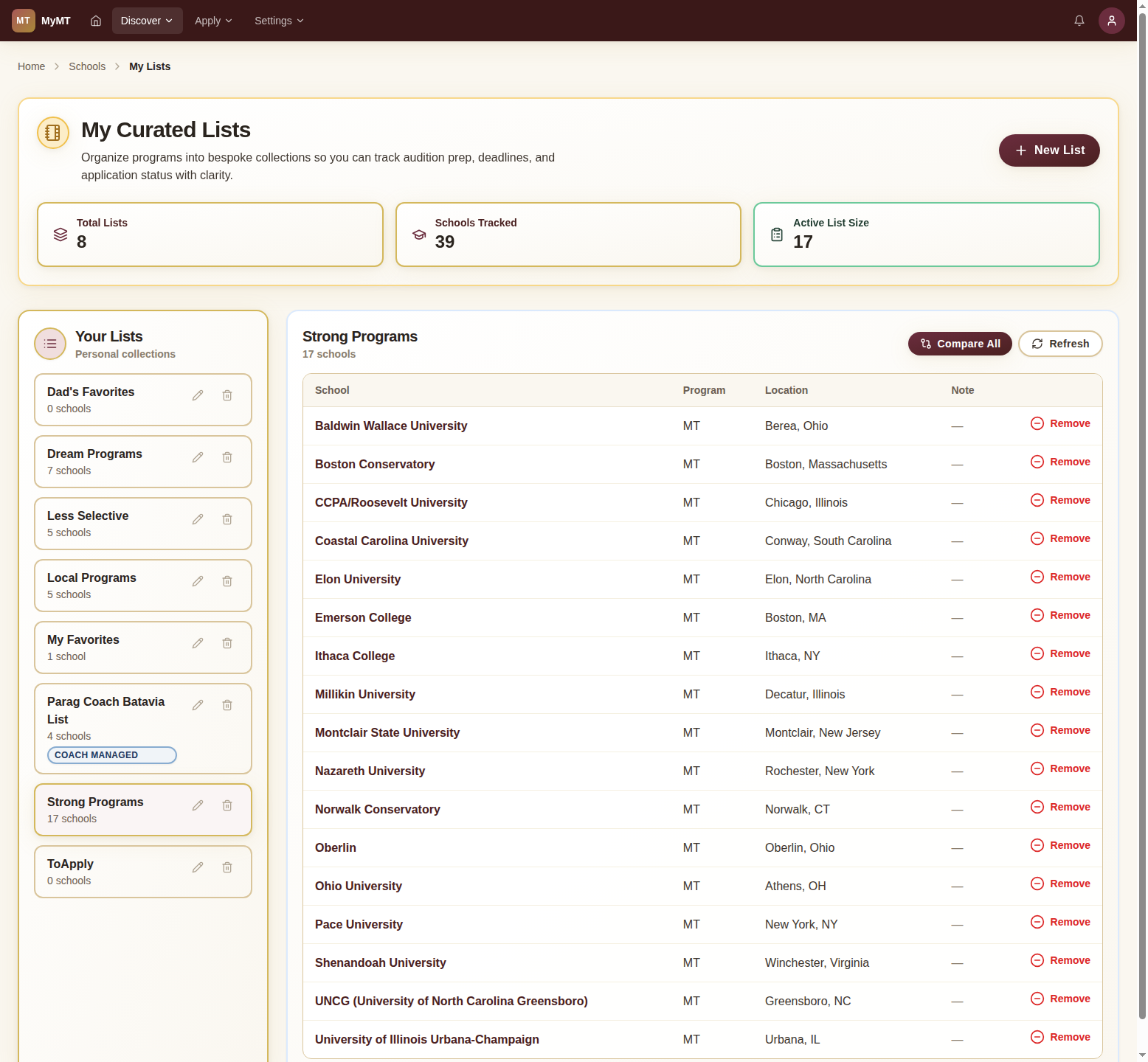
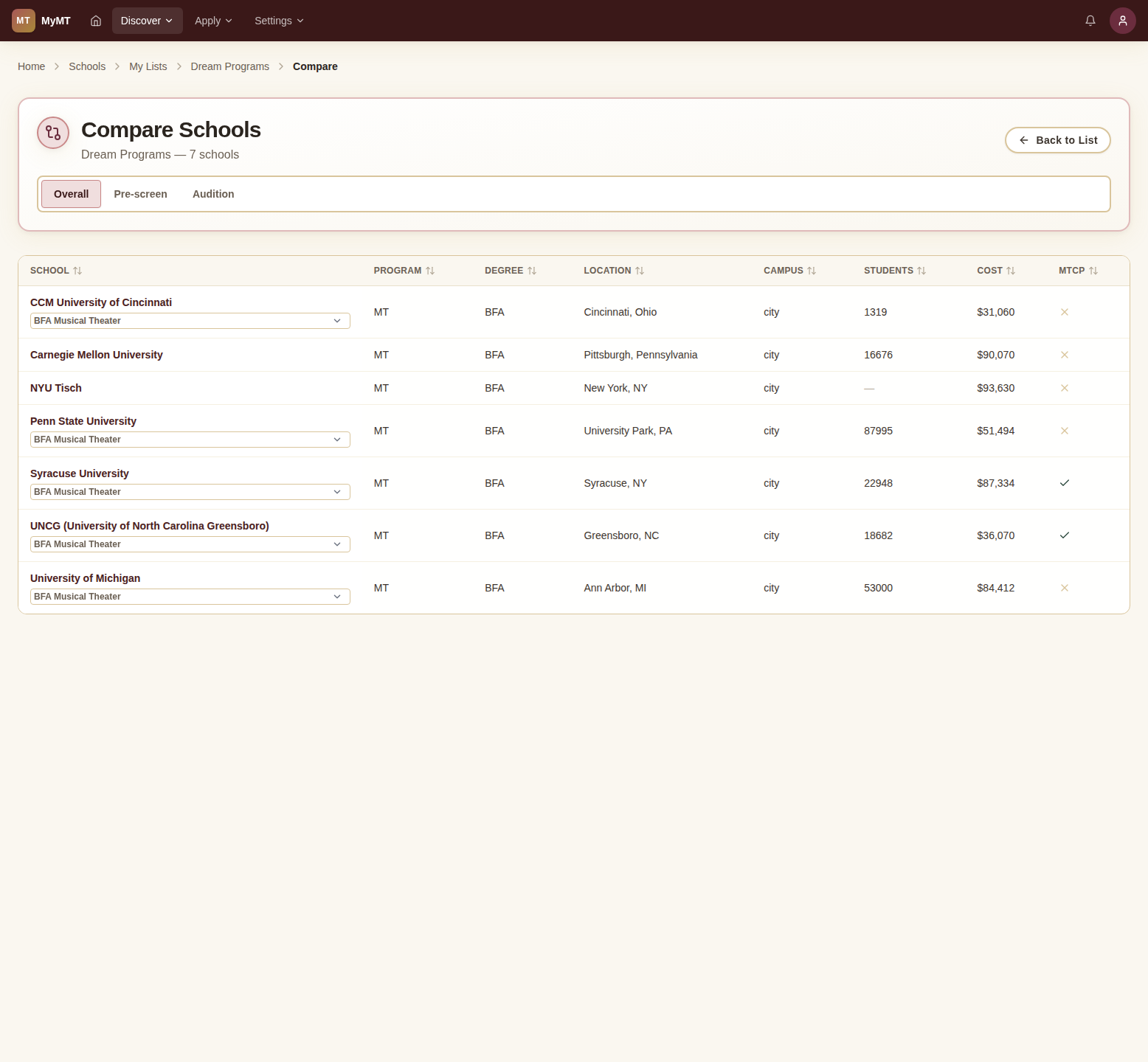
From any list's detail view, click the green 'Compare All' button in the top right to launch a side-by-side comparison of every school in that list.
Track Applications
Create an application dashboard to keep all your schools, deadlines, and statuses in one place. Never miss a prescreen deadline again.
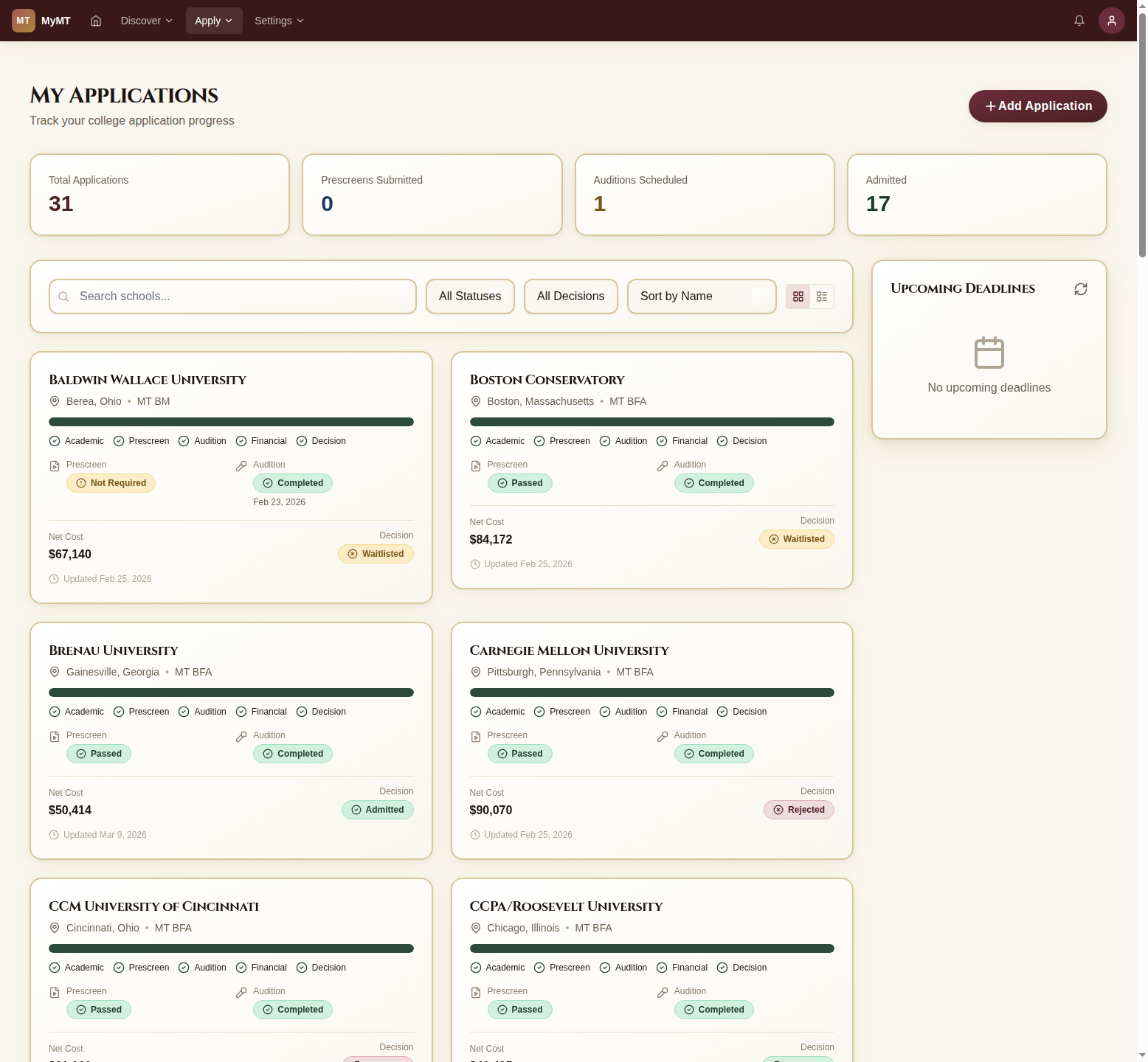
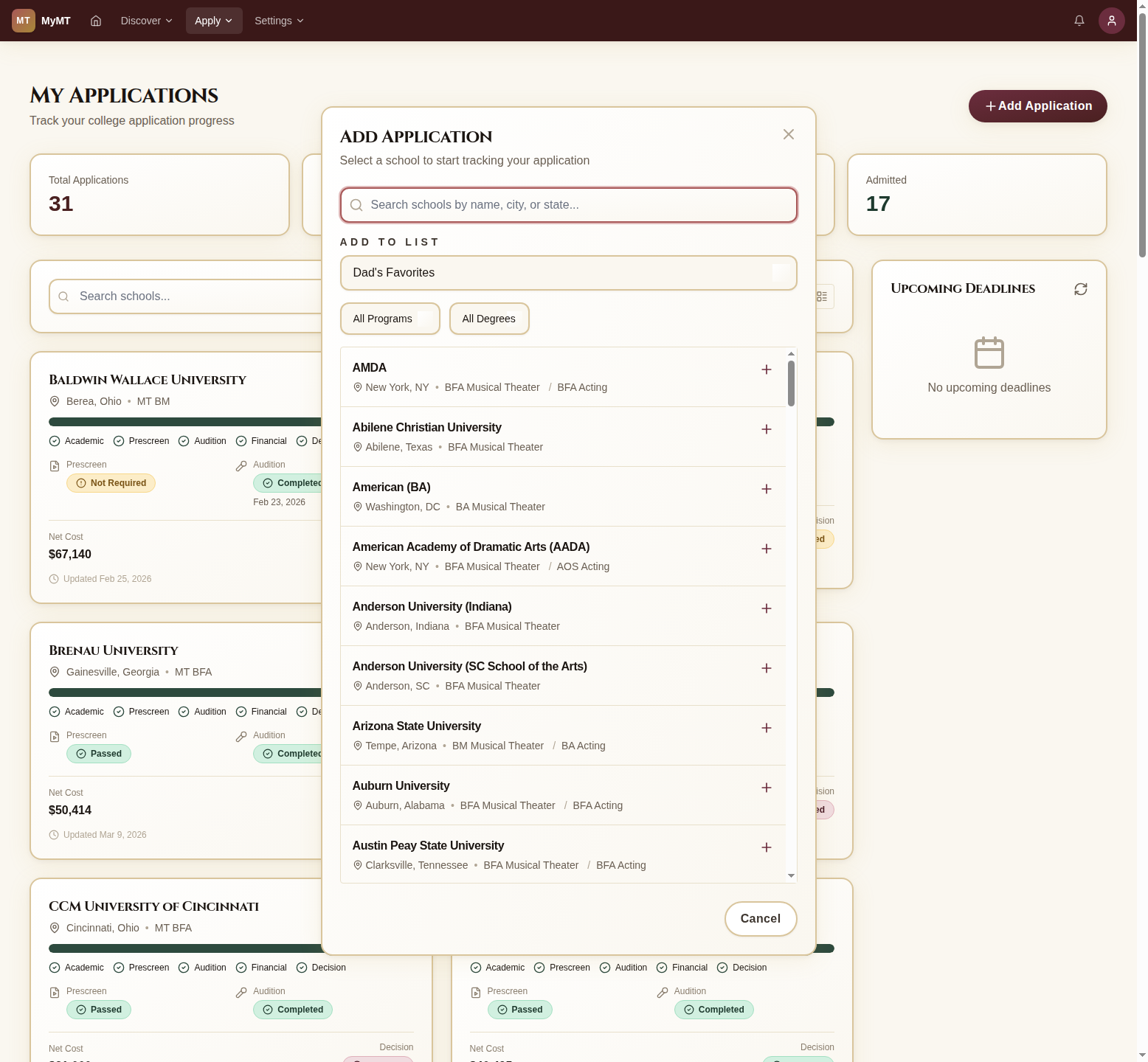
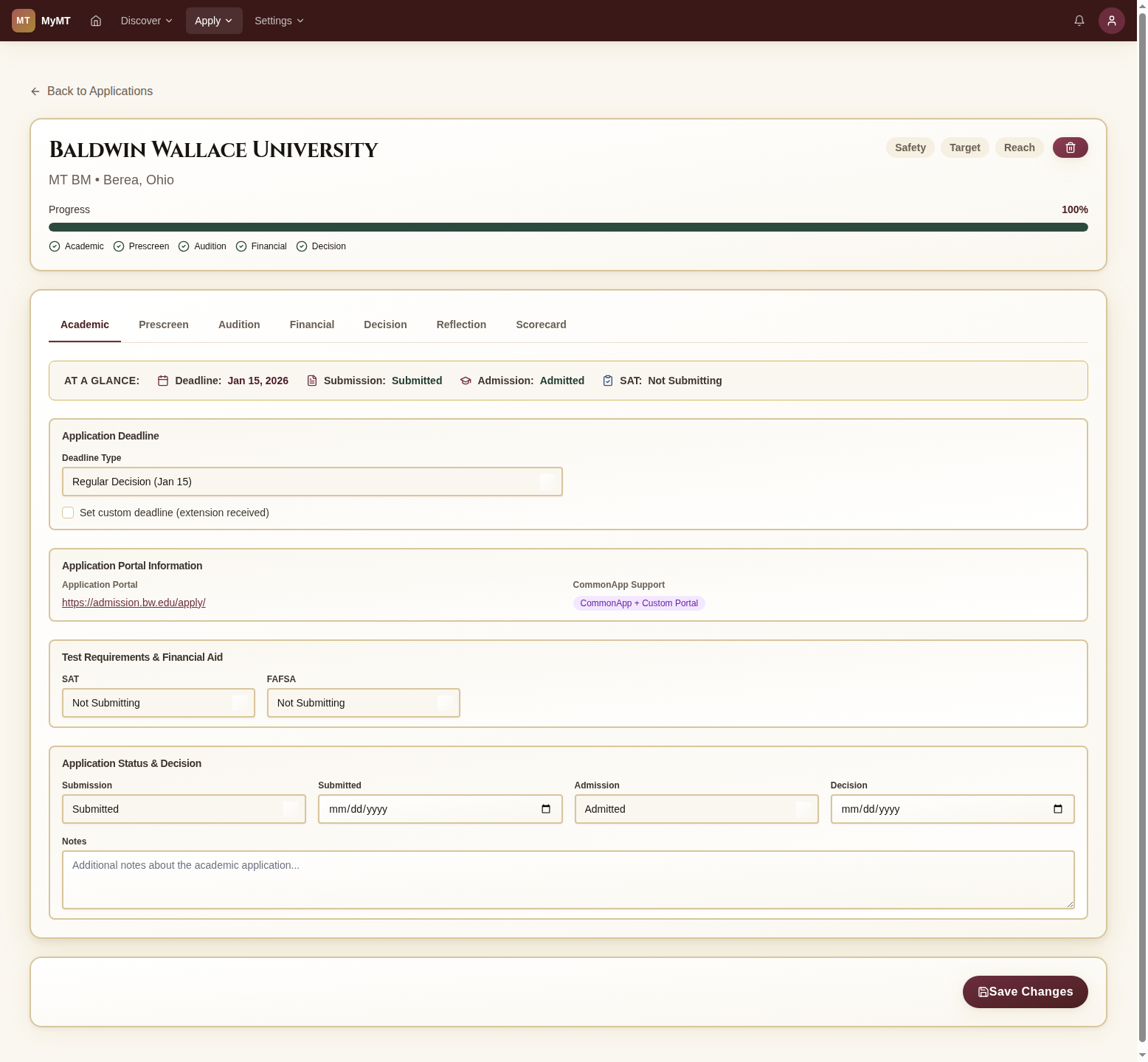
The application dashboard shows summary stats at the top: total applications, prescreens submitted, auditions scheduled, and admits. Each school appears as a card with its current status and progress.
Print the Deadline Sheet
One table with every prescreen, academic, and audition date for every school on your list, grouped by month. Export it to PDF and put it on the refrigerator.
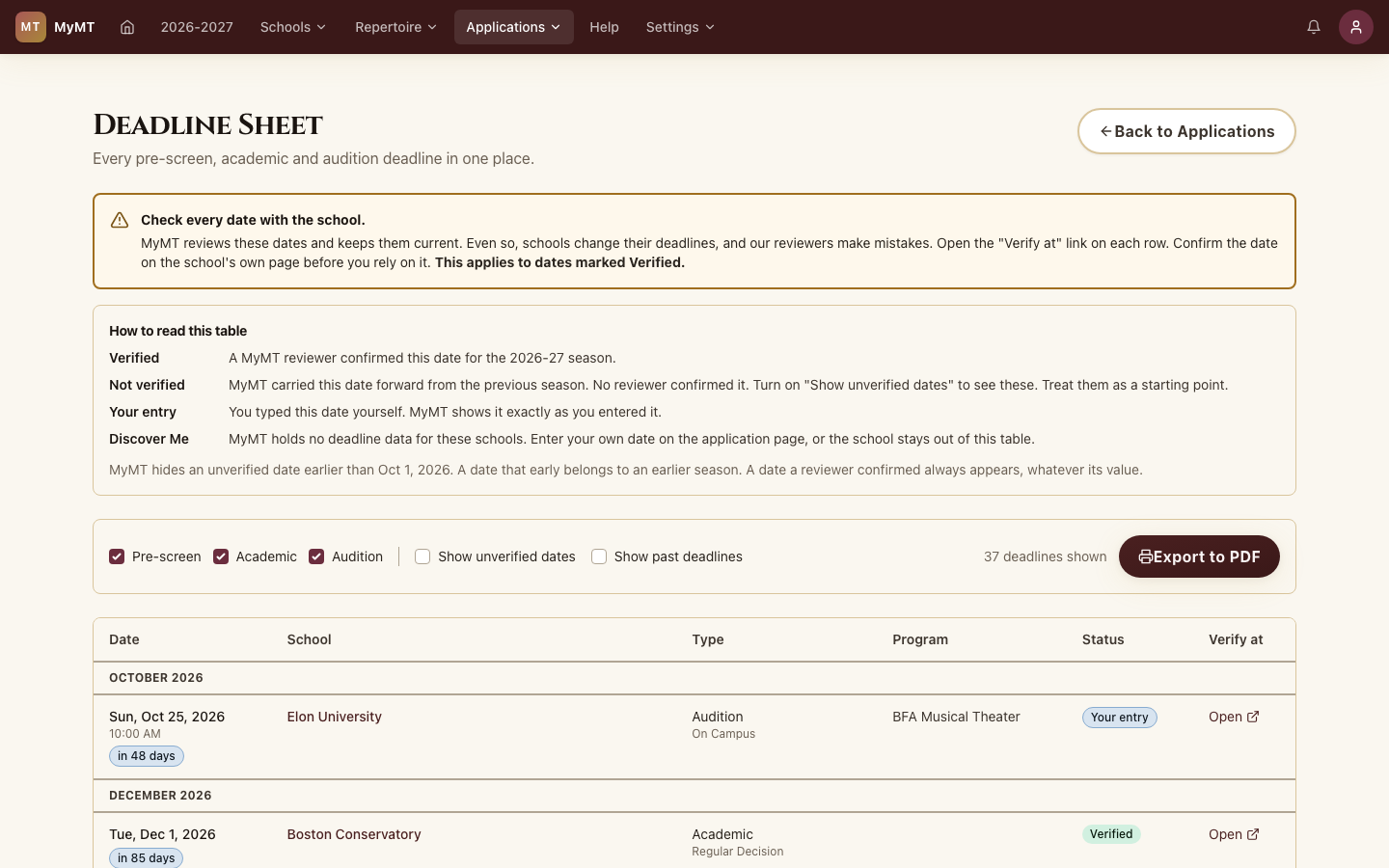
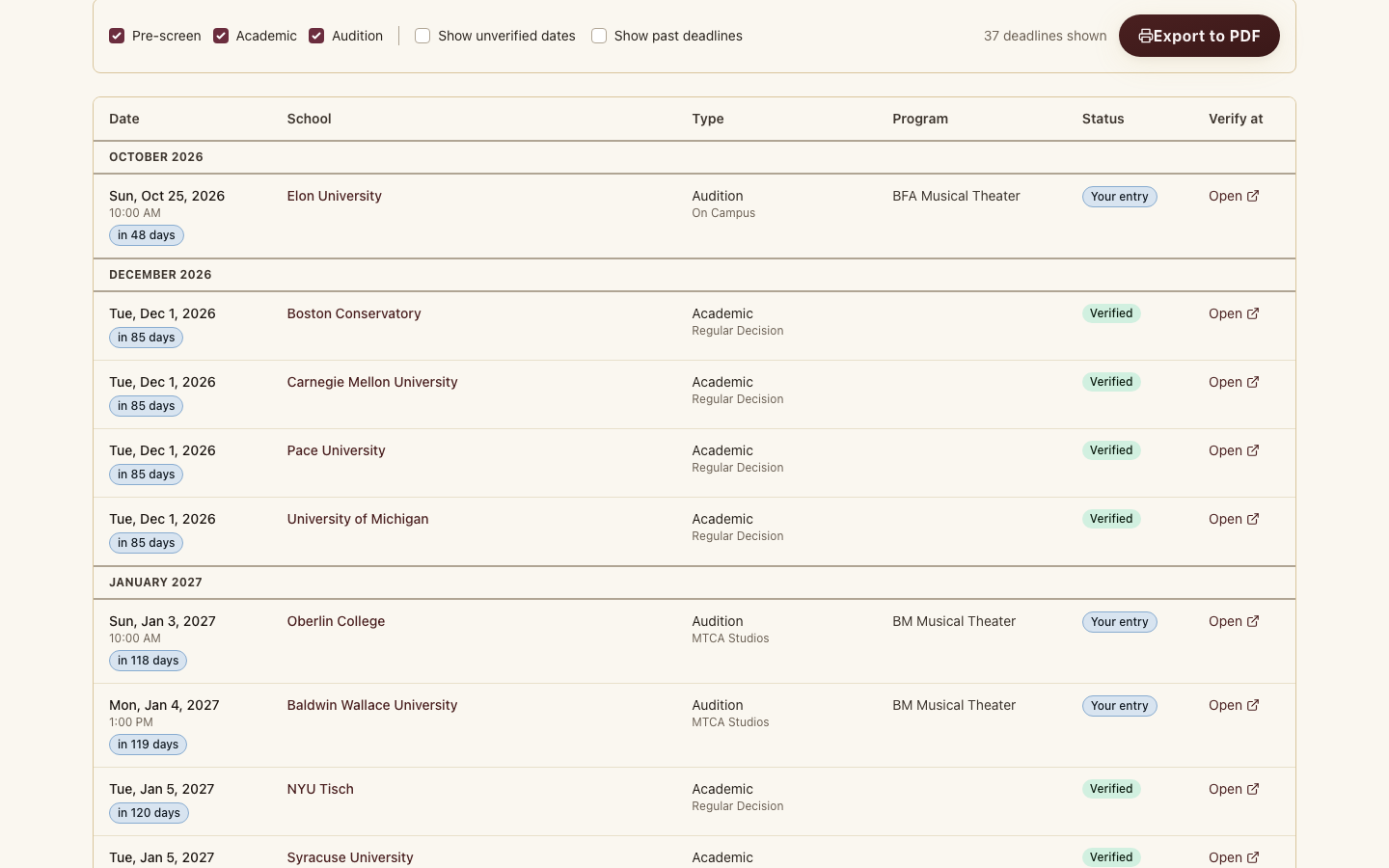
Open the Deadline Sheet from the Applications page. The legend explains each status: Verified means a MyMT reviewer confirmed the date for this season, Your entry means you typed it on the application, and Not verified means the date carried over from last season.
Plan Your Essays
The Essay Planner (Beta) gathers the school, program, and scholarship essays for your applications into one list, with word limits, due dates, and a running word budget.
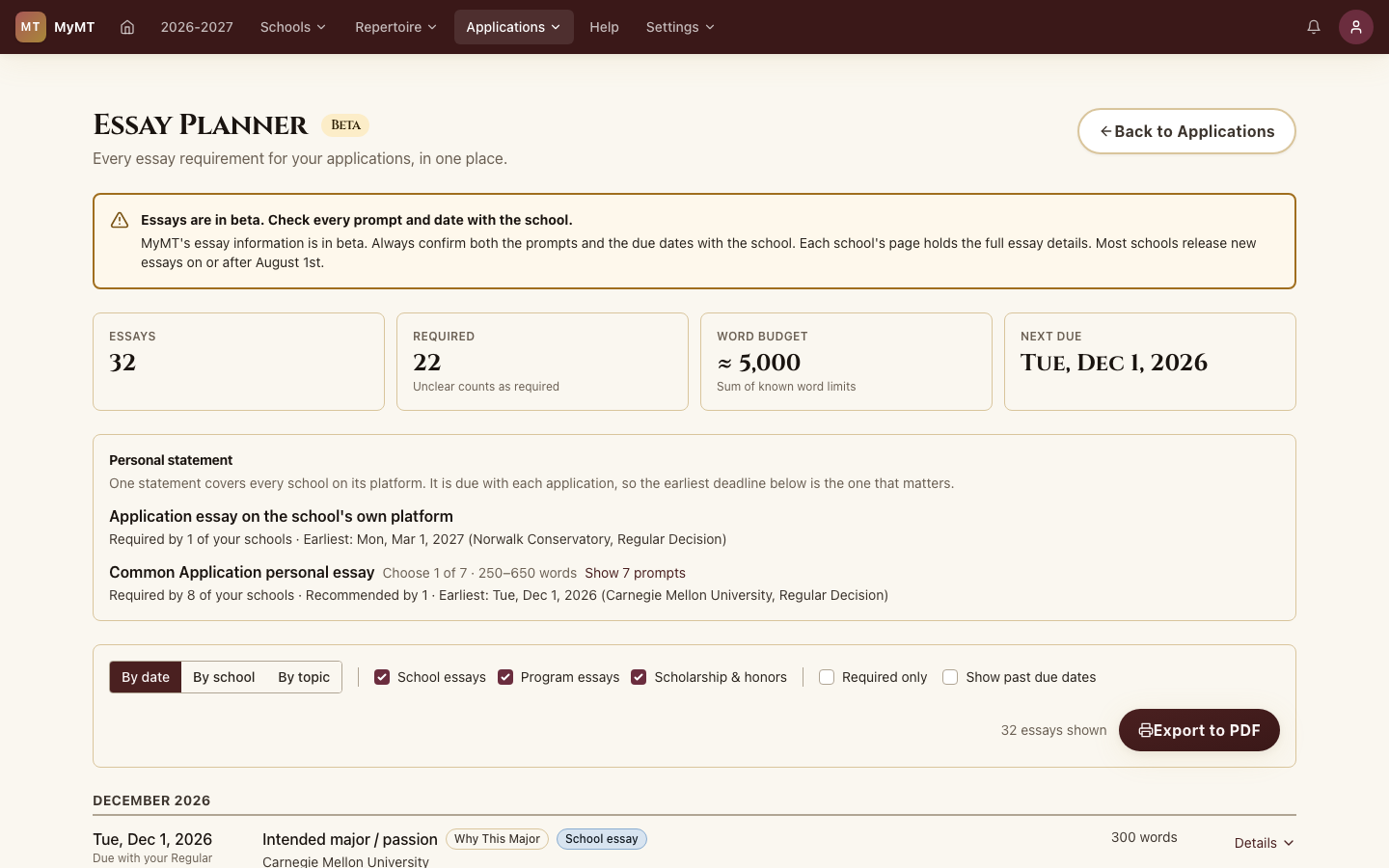
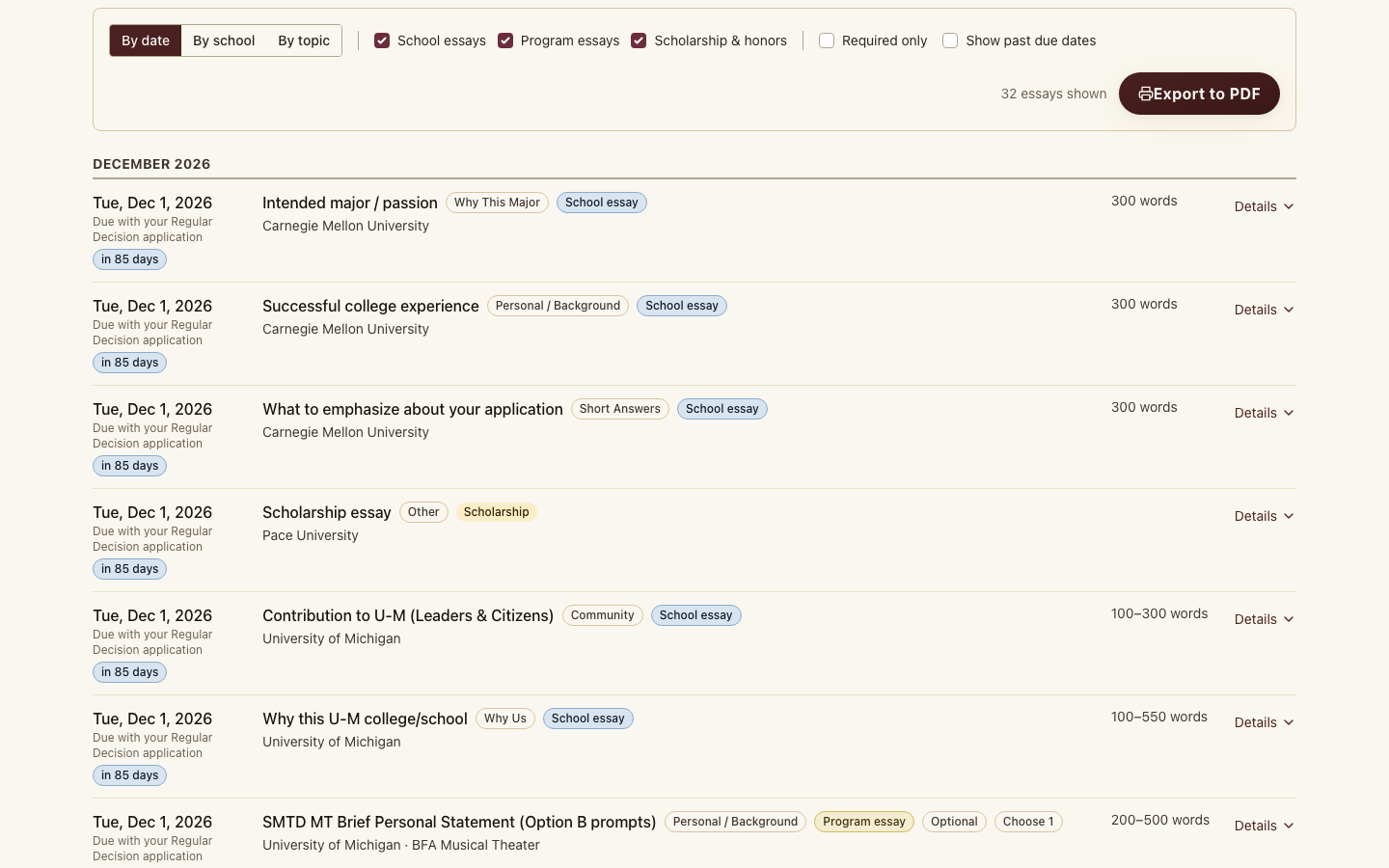
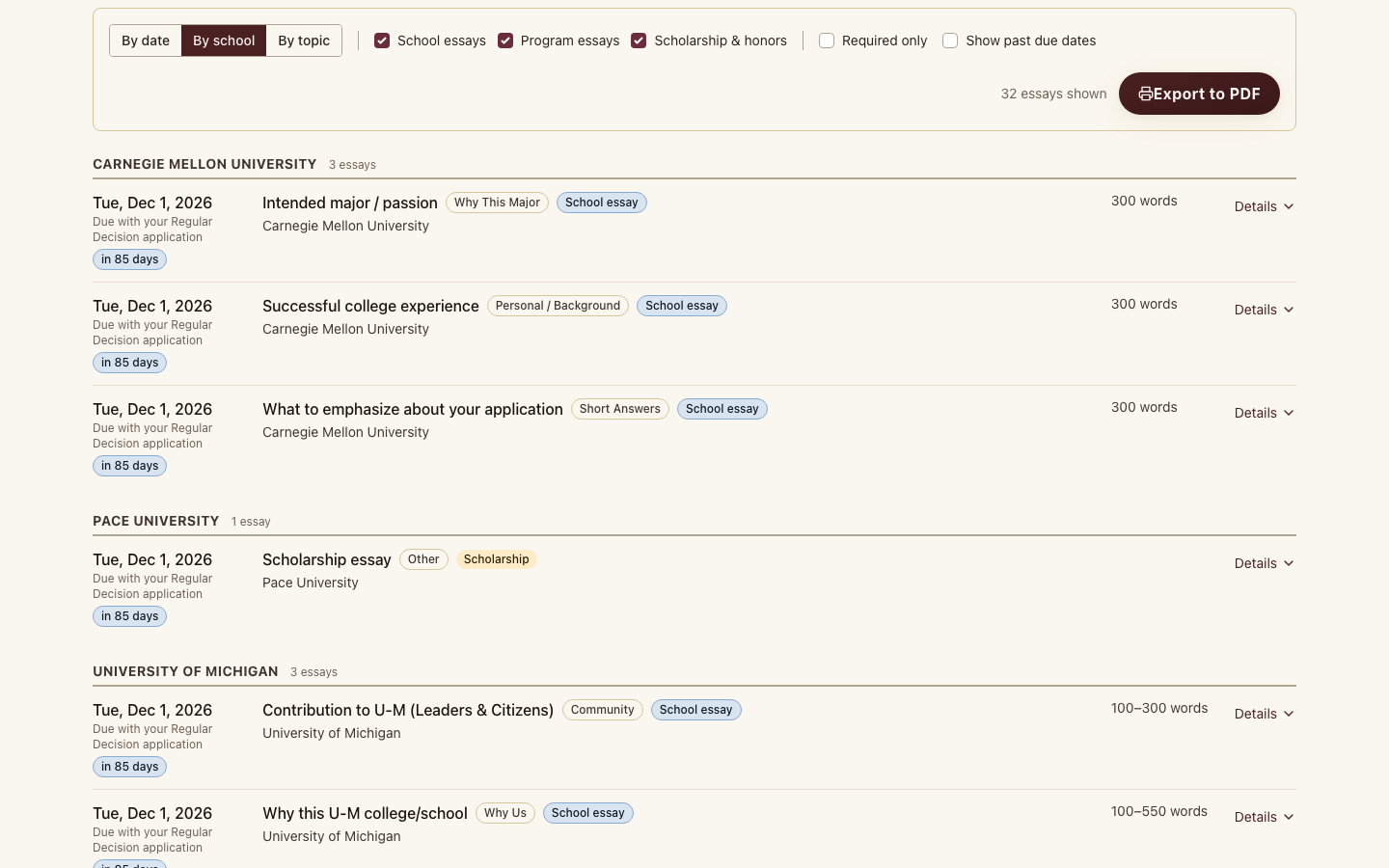
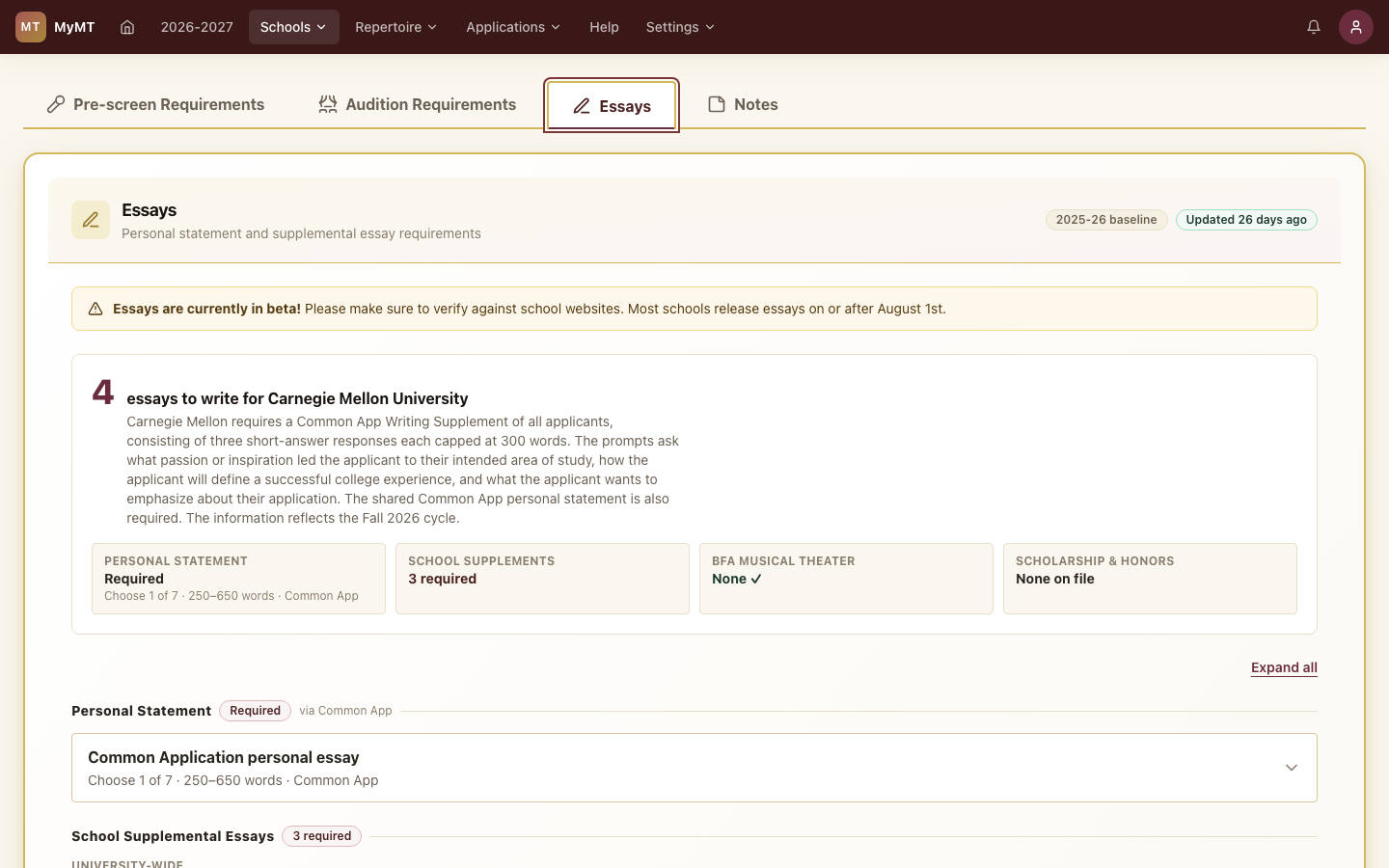
The top of the planner counts your essays and the required ones, adds up the word budget, and shows the next due date. The personal statement is counted once, with the earliest deadline that matters.
Plan Audition Week
The Audition Planner turns the dates, times, and rooms on your applications into a day-by-day schedule for each trip, with the songs and monologues each school expects. Part of full access.
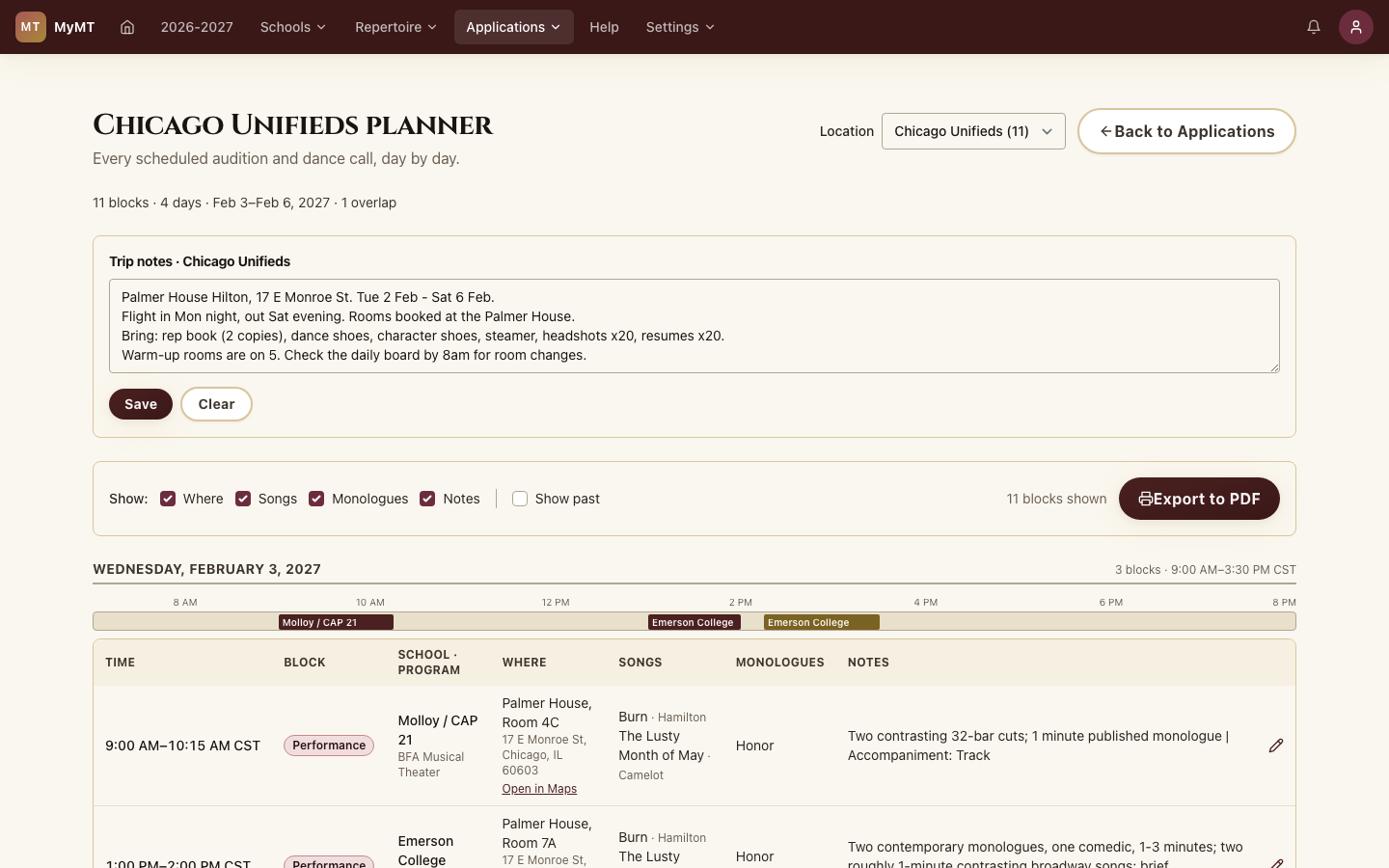
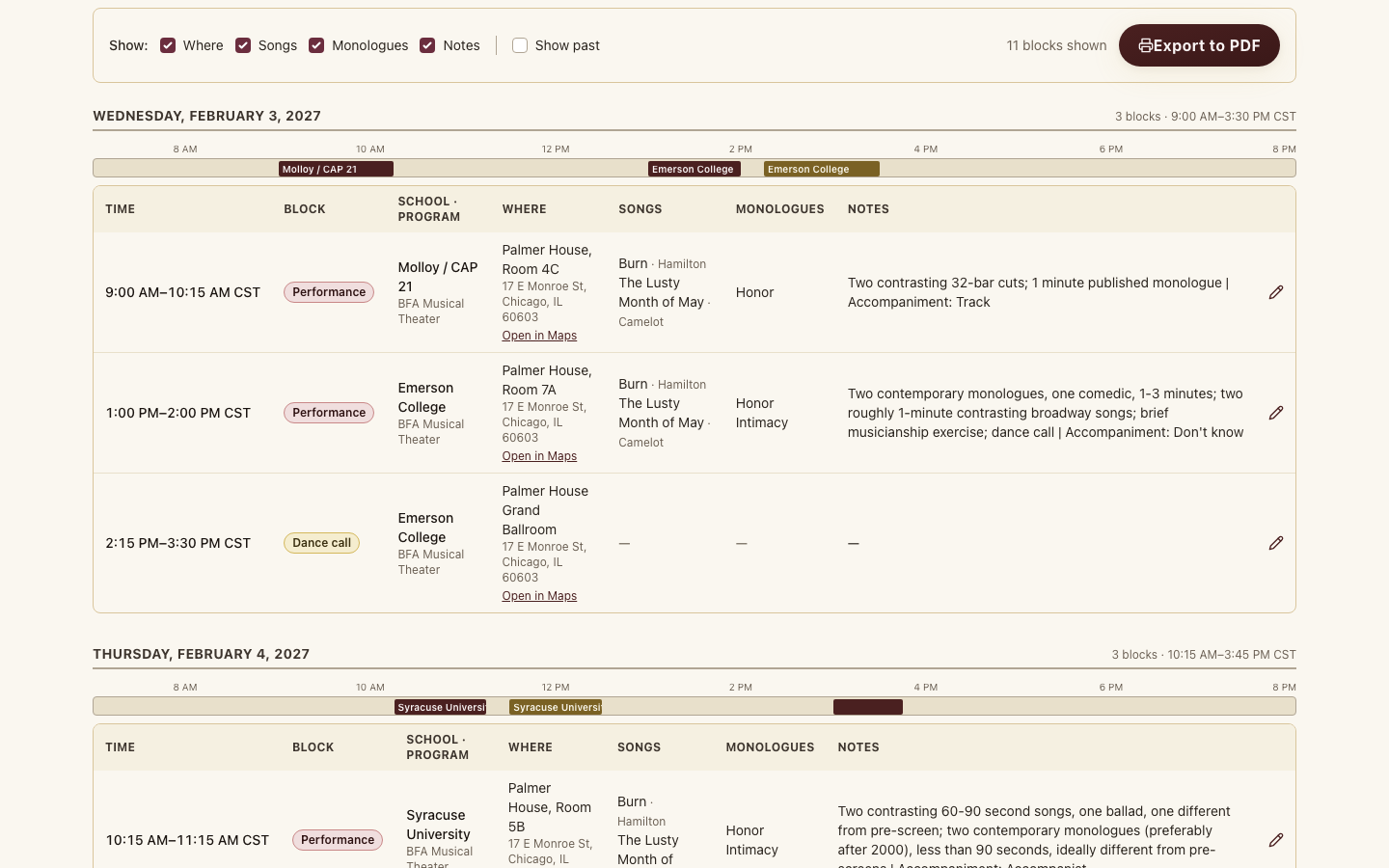
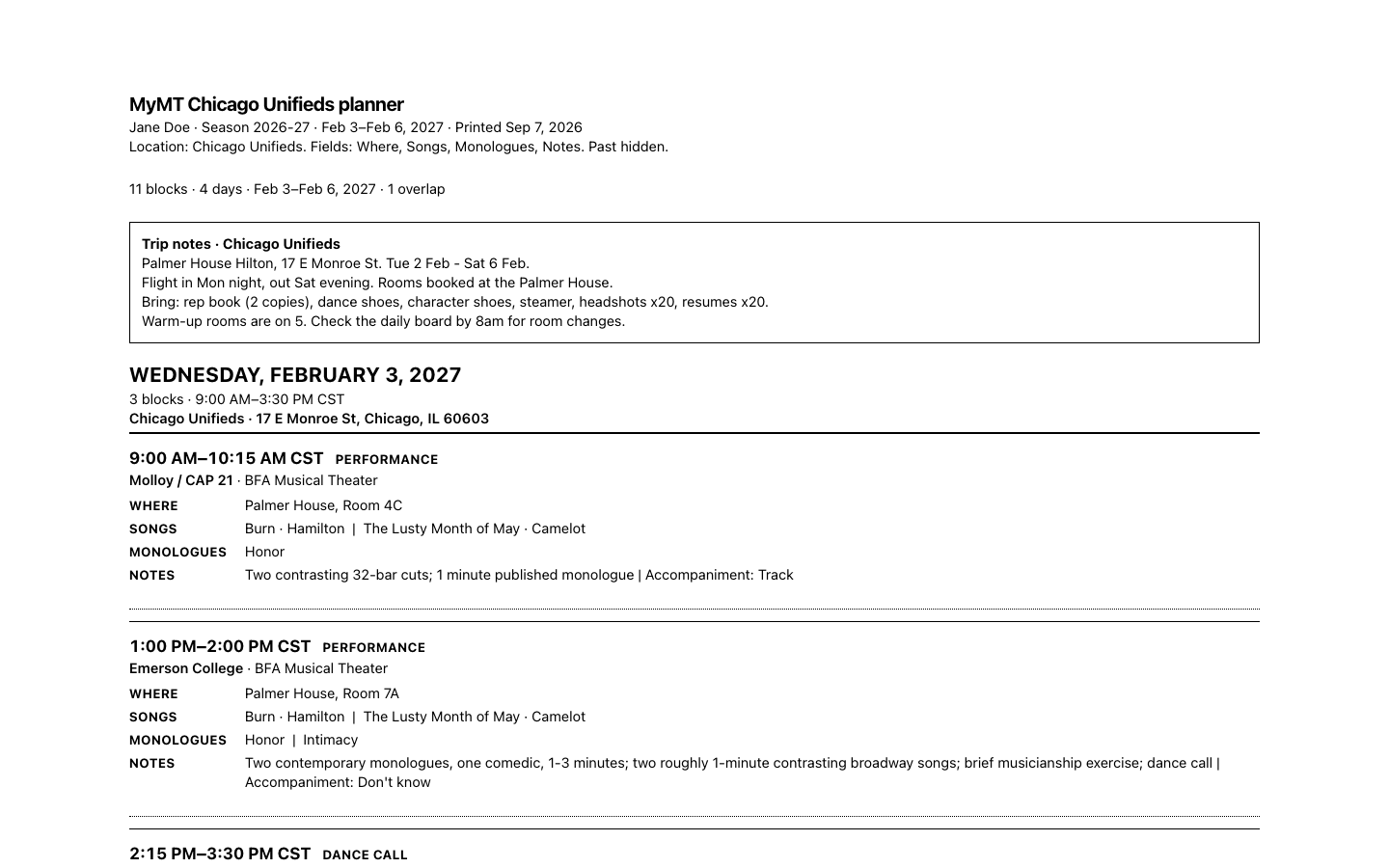
Pick a location such as Chicago Unifieds. The planner counts your blocks and days, flags overlaps, and keeps your trip notes (hotel, flights, what to pack) at the top.
Build Your Song Book
Search the curated song library, study each song's full profile, then pull songs into your repertoire lists and into the prescreen and audition slots of every school you apply to.
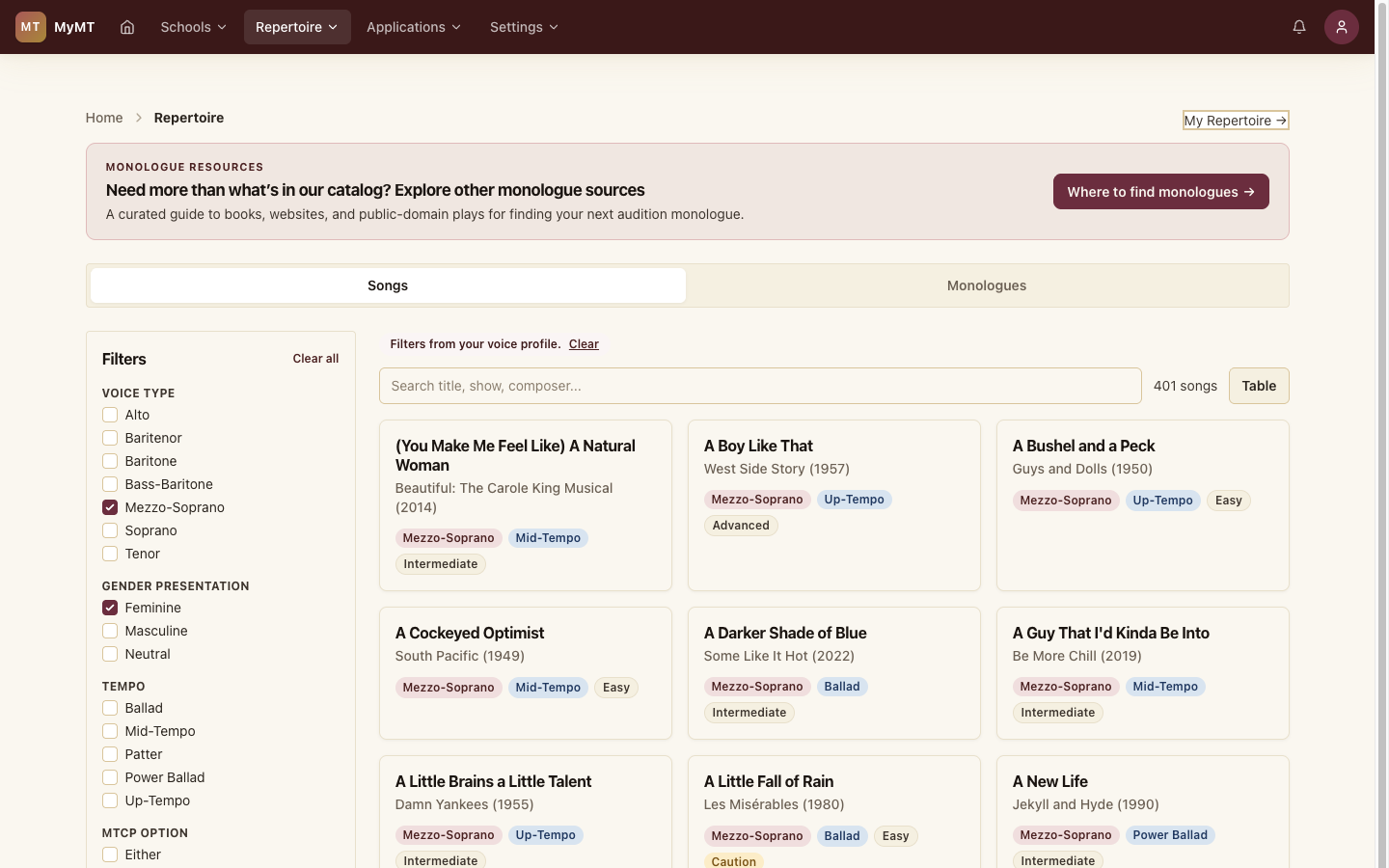
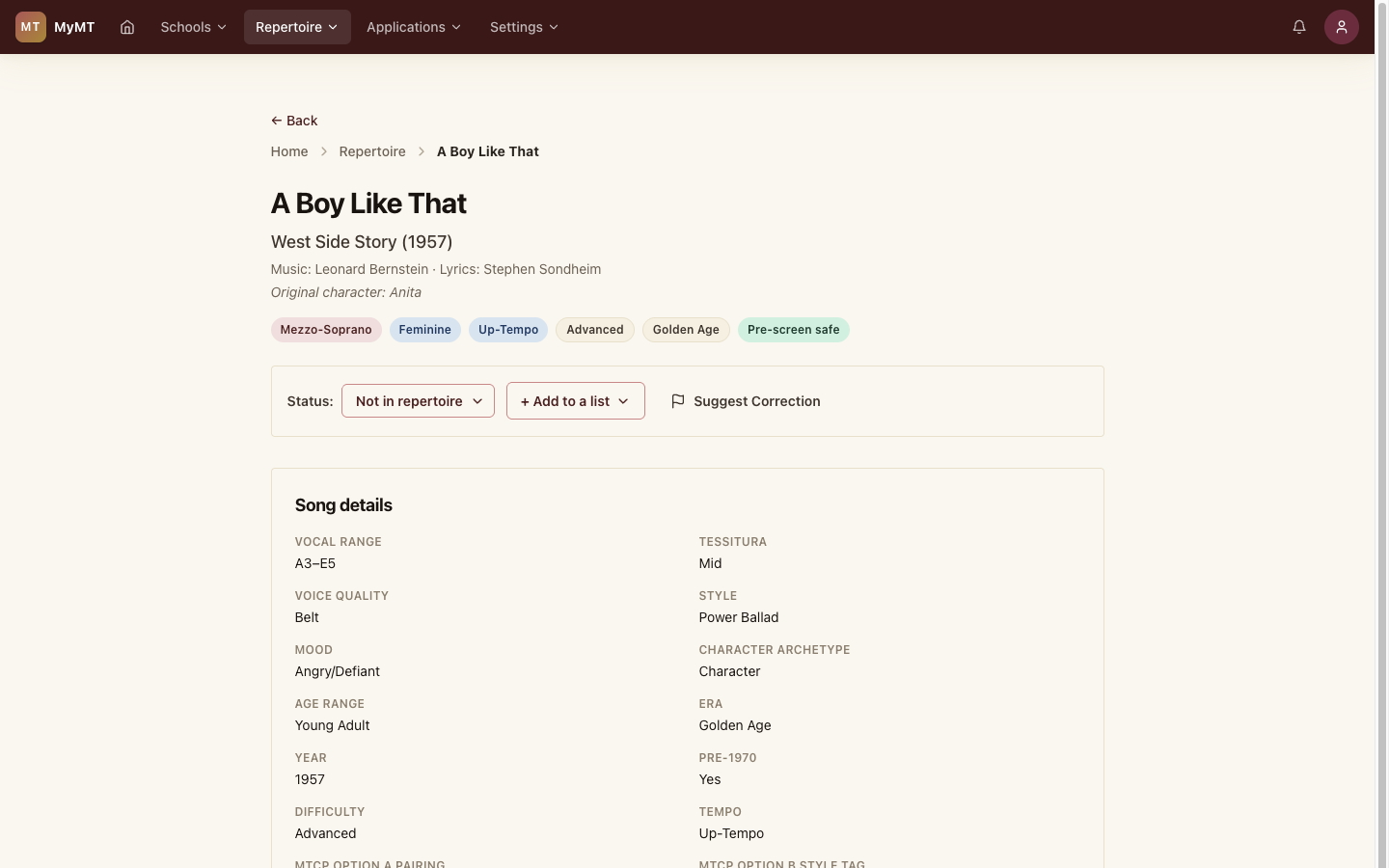
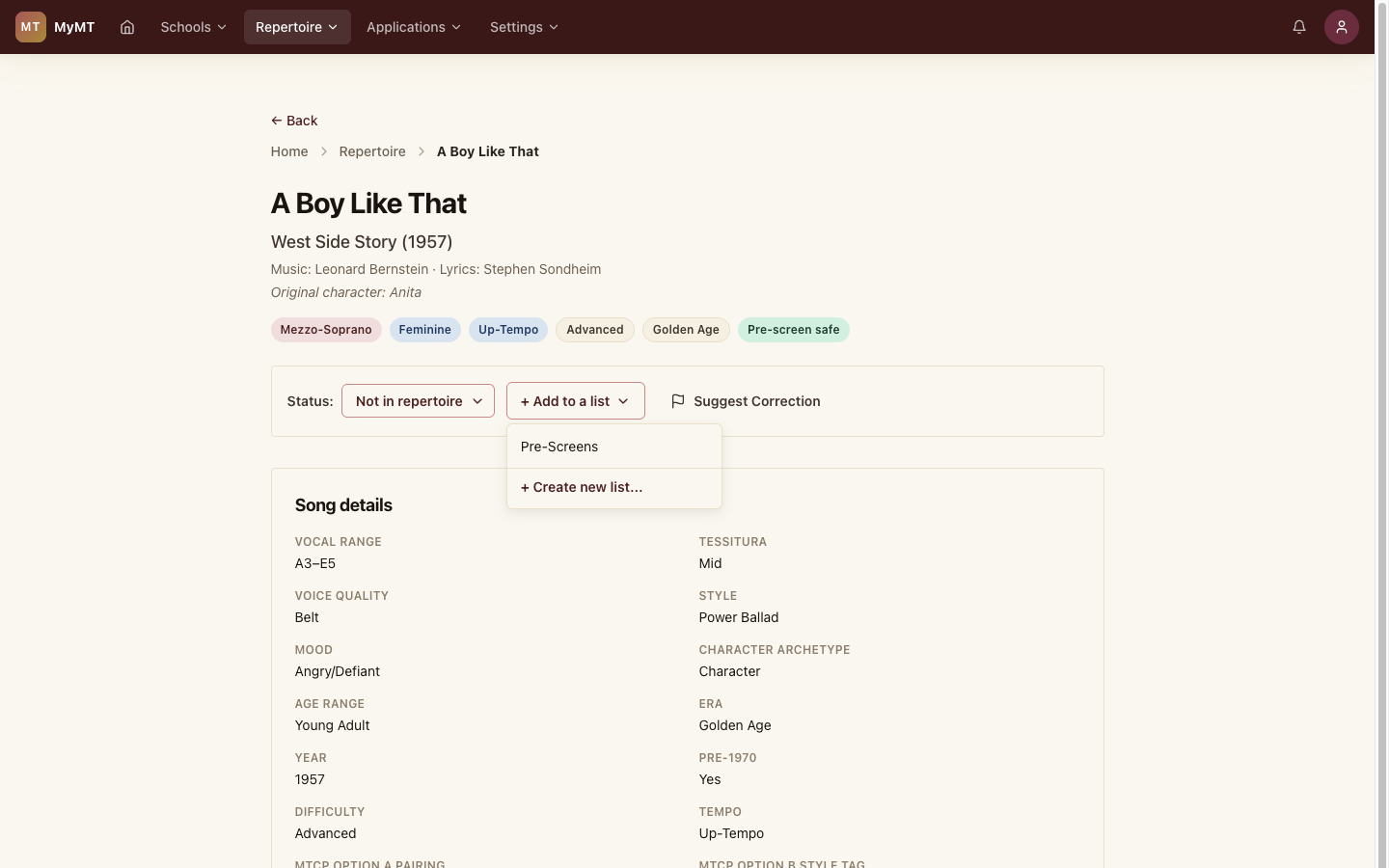
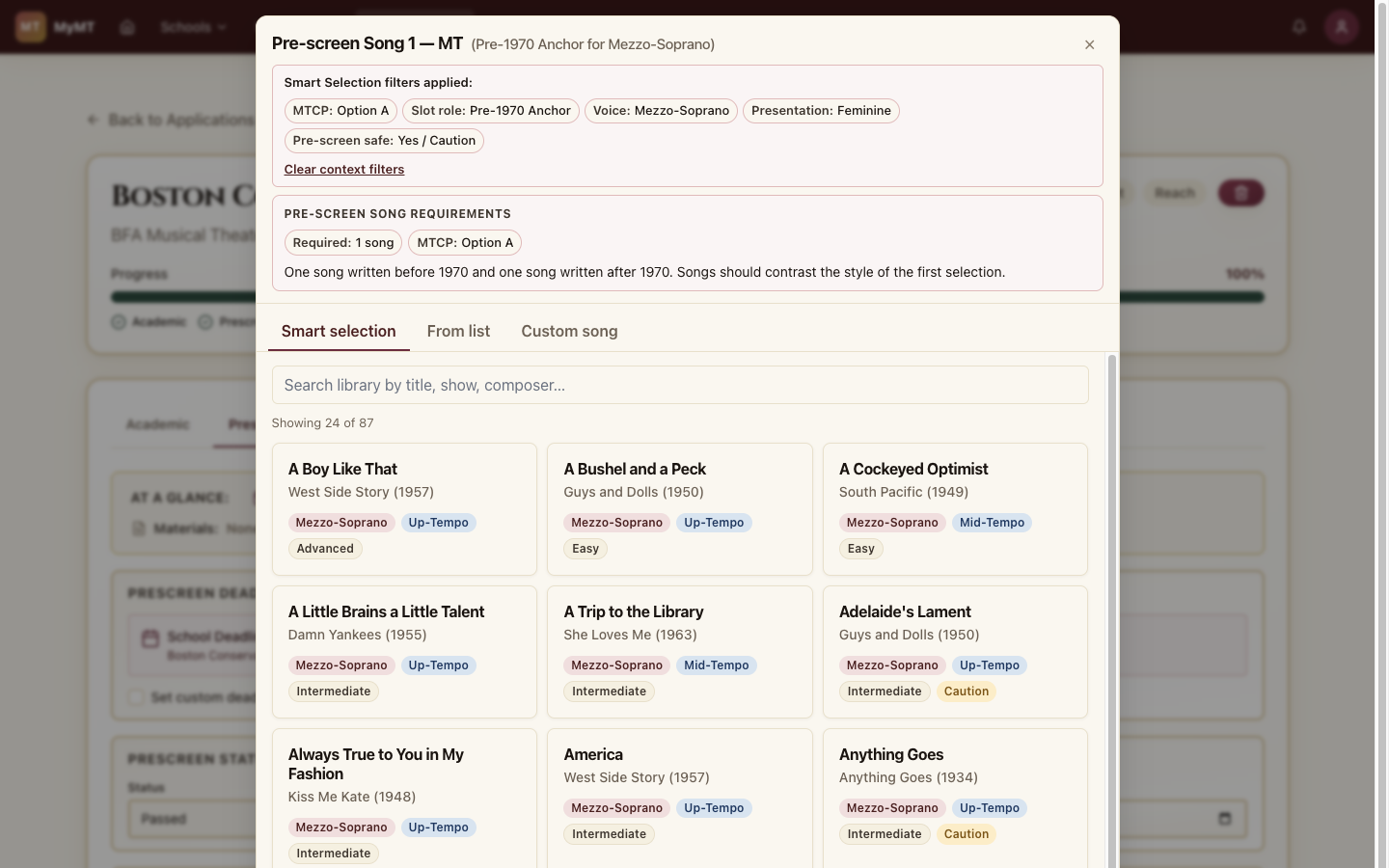
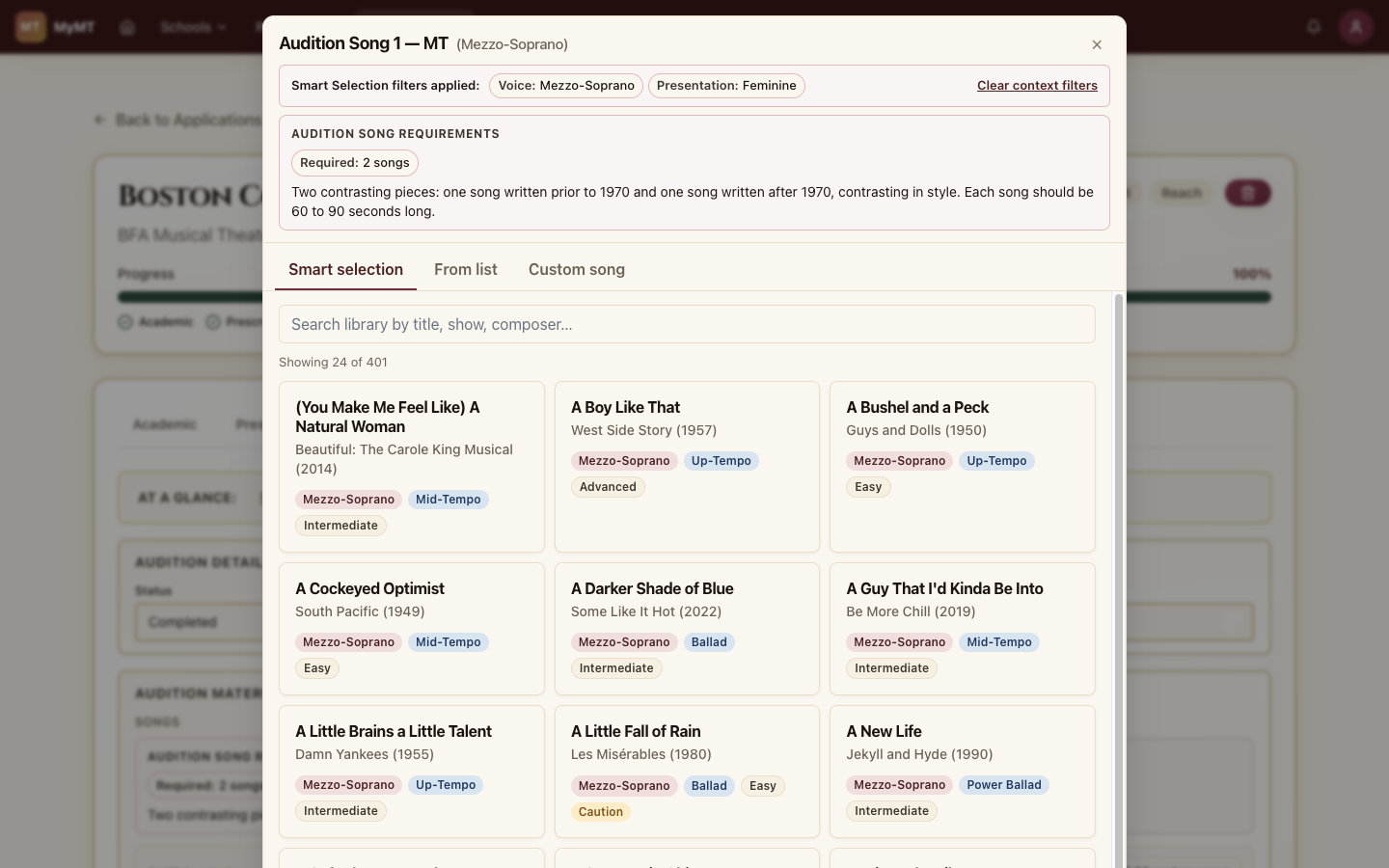
The song library lets you filter by voice type, era, tempo, difficulty, and prescreen-safety, with full-text search across title, show, character, and composer. The match count updates as you layer filters.
Find Your Monologues
Browse a curated catalog of 250+ classical and contemporary audition monologues, read full public-domain texts right in the app, and slot pieces into each school's requirements the same way you slot songs. New to monologue hunting? Read the finding guide →
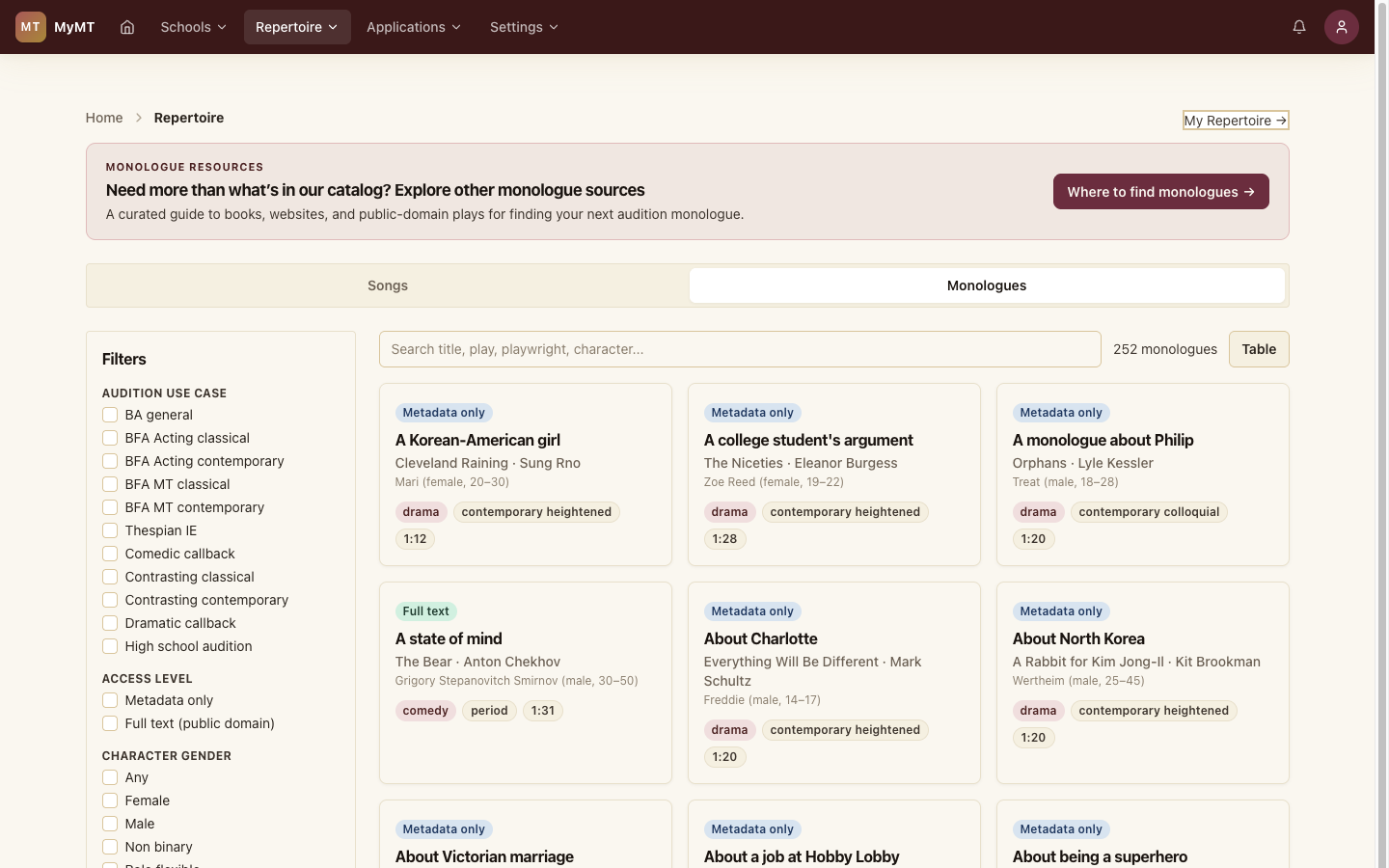
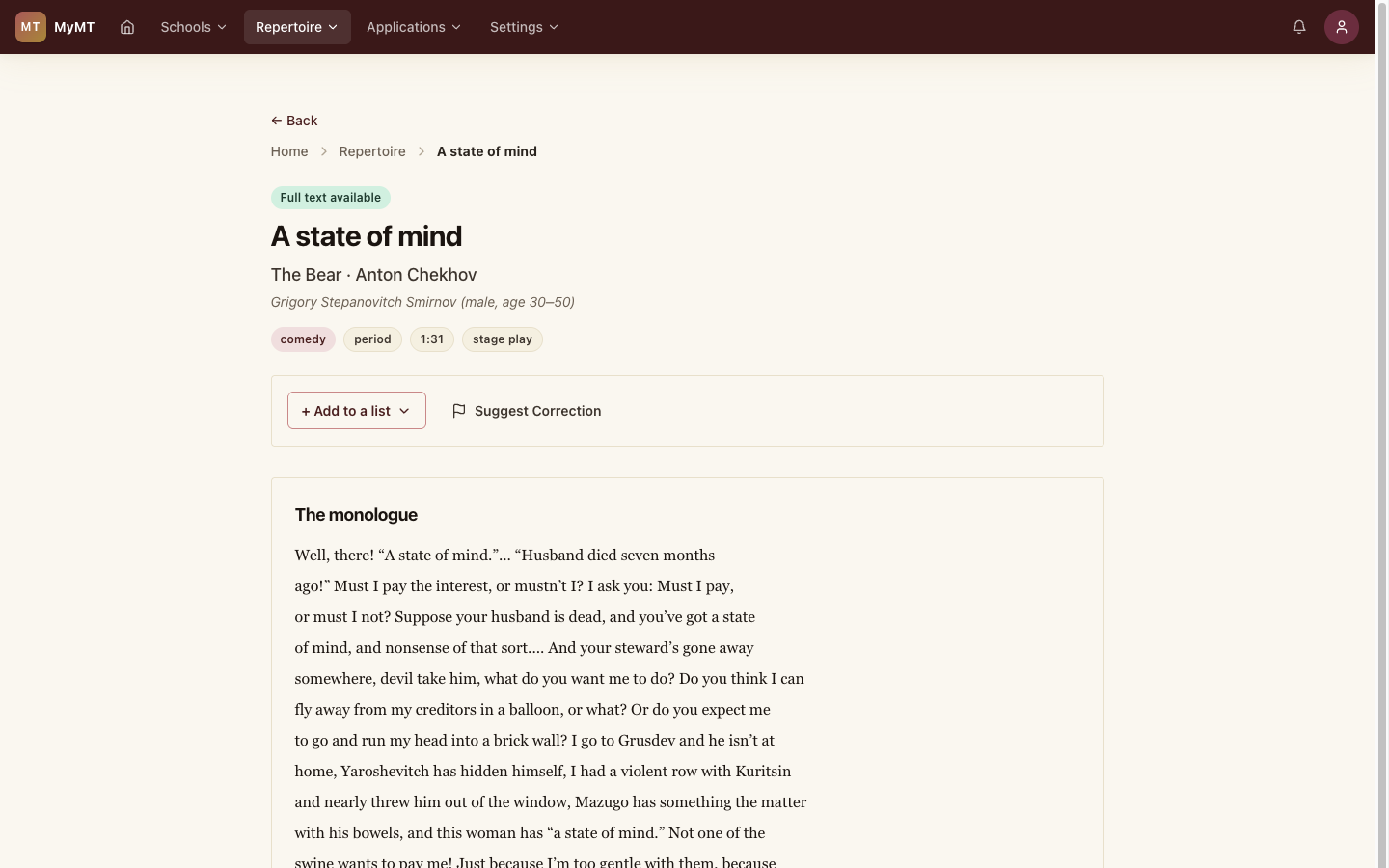
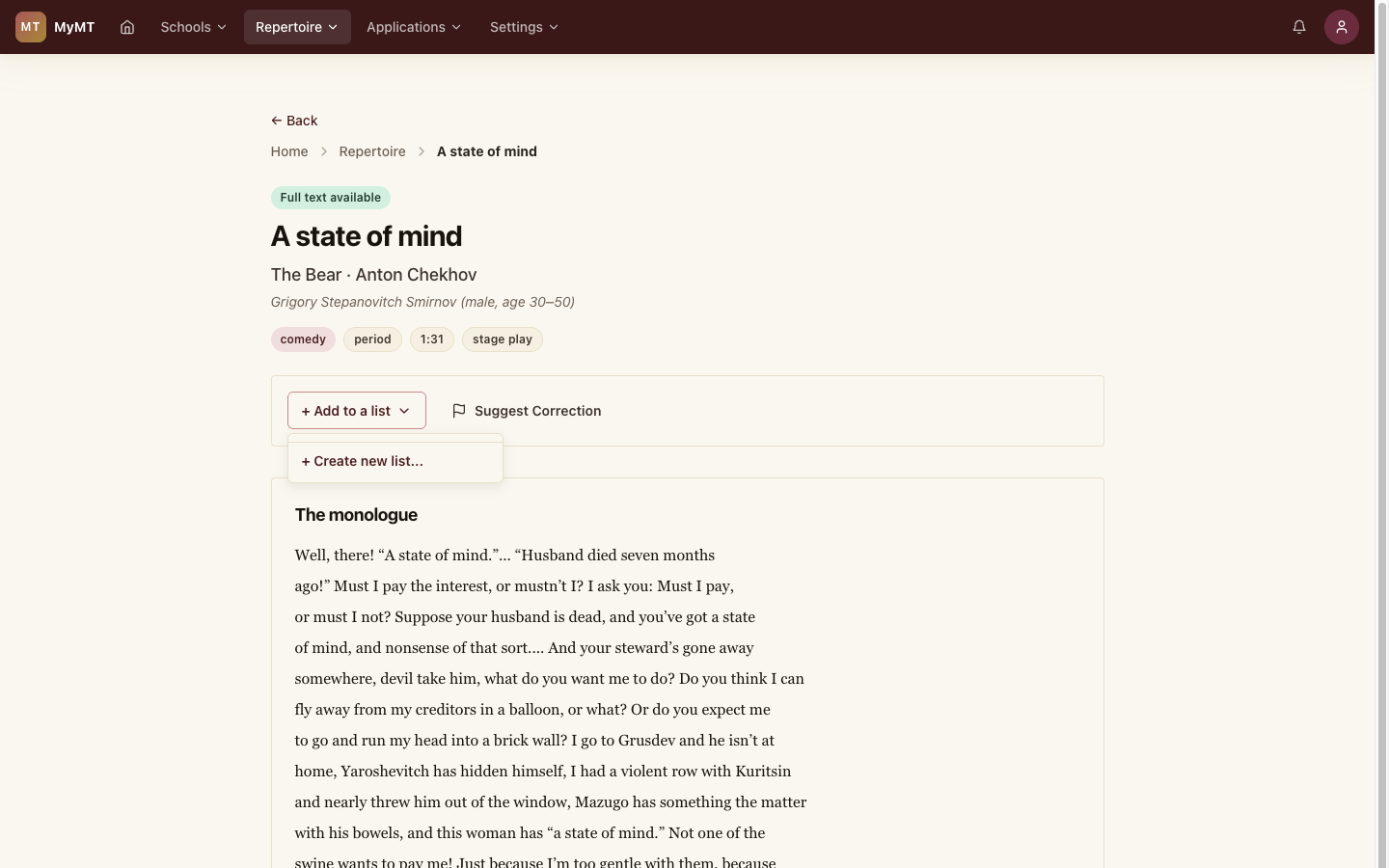
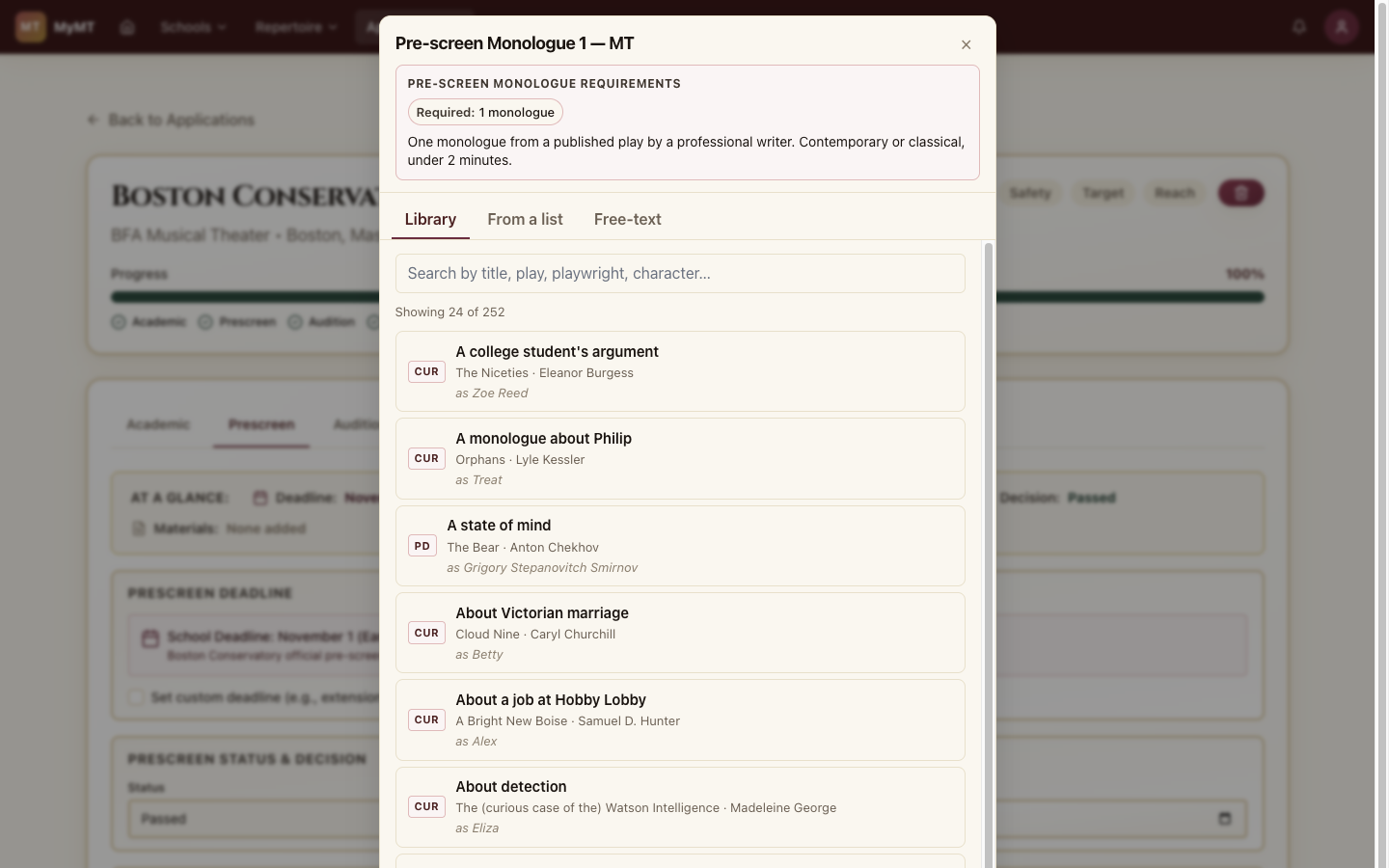
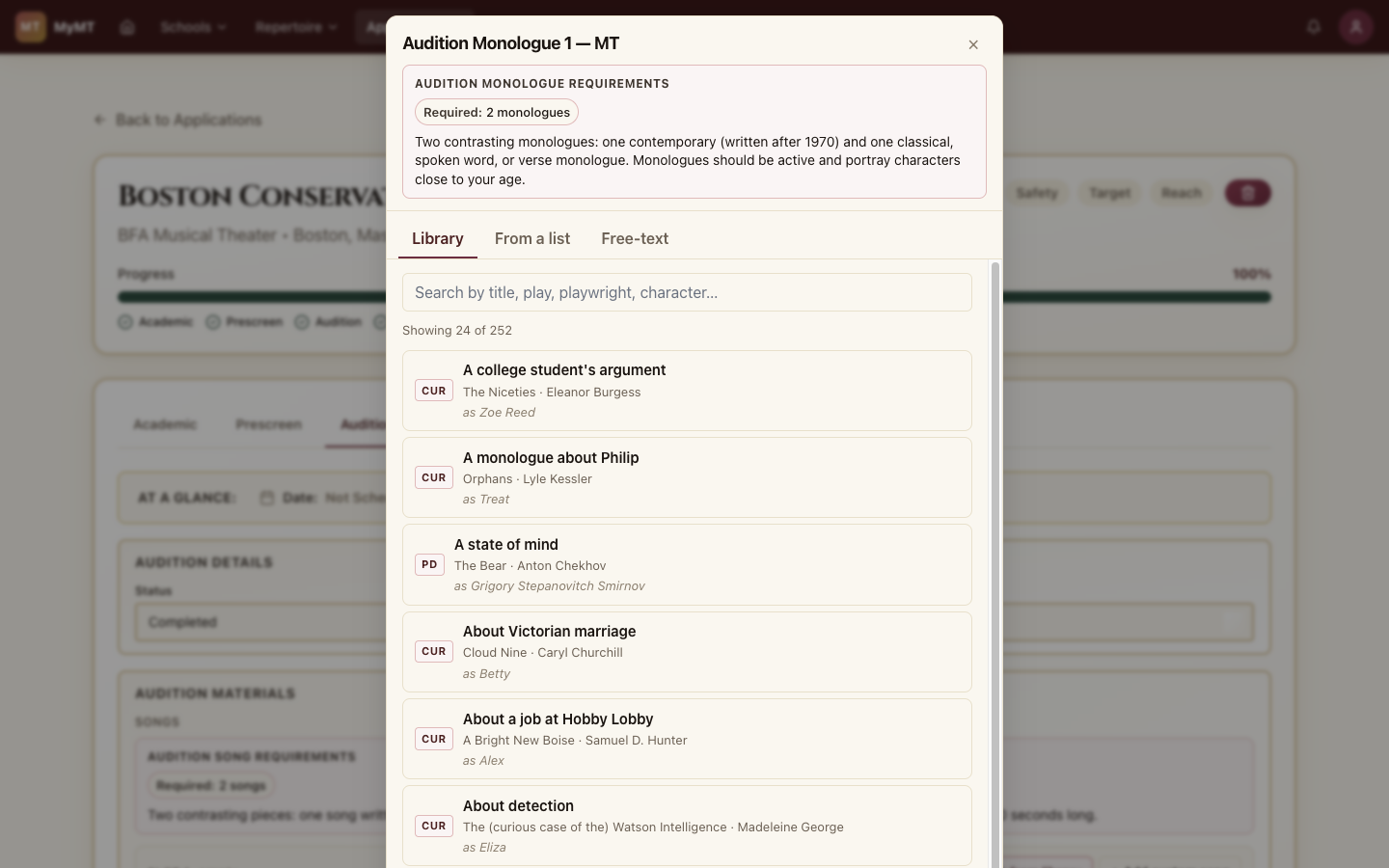
The Monologues tab of Browse Library holds the full catalog. Filter by audition use case (BFA MT classical, contrasting contemporary, callbacks), full-text availability, character gender and age, genre, and length, or search by title, play, playwright, or character.
Scorecard & Rankings
When offers come in, use custom scorecards to rank your options. Define the criteria that matter most to you and score each school objectively.
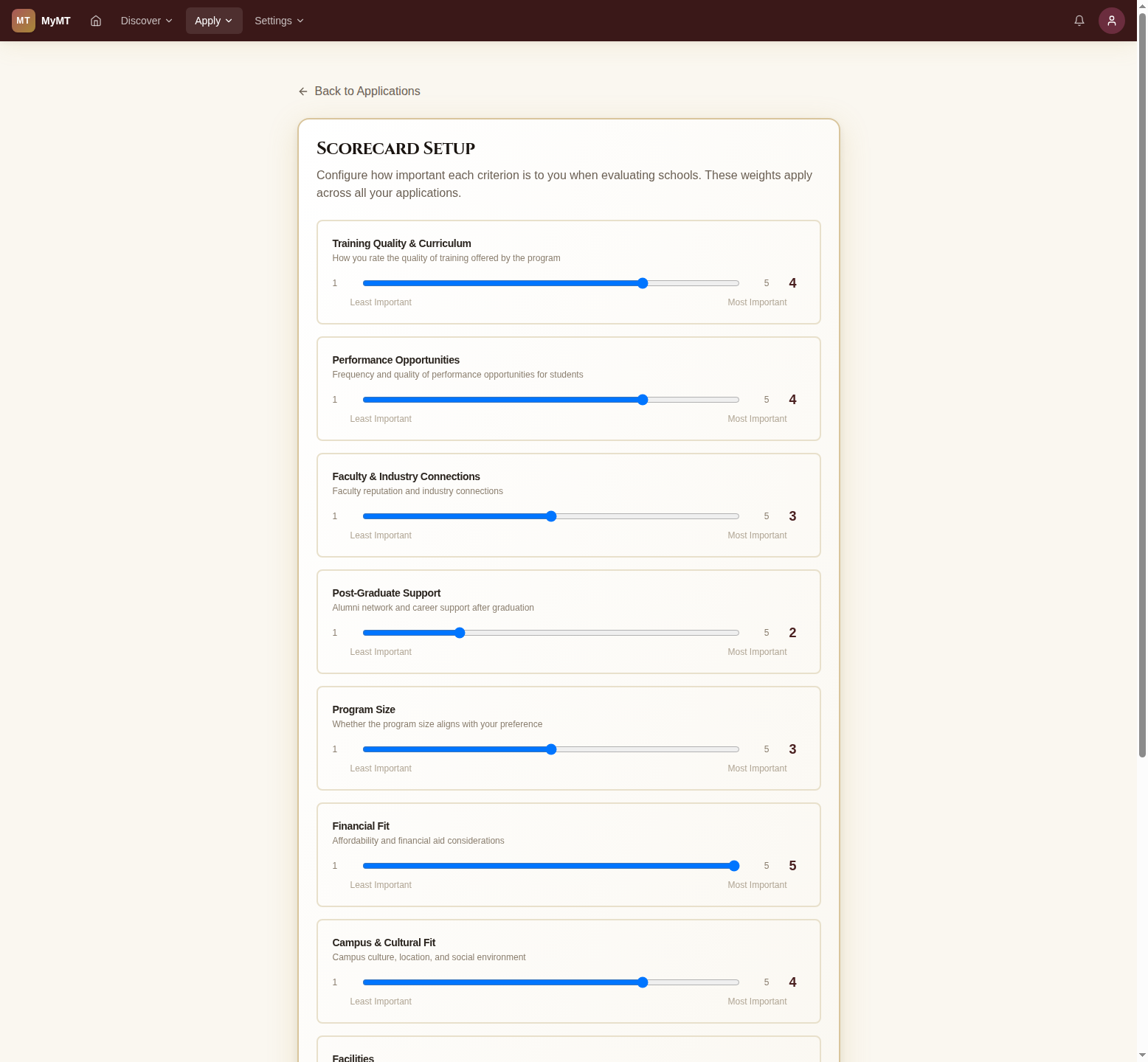
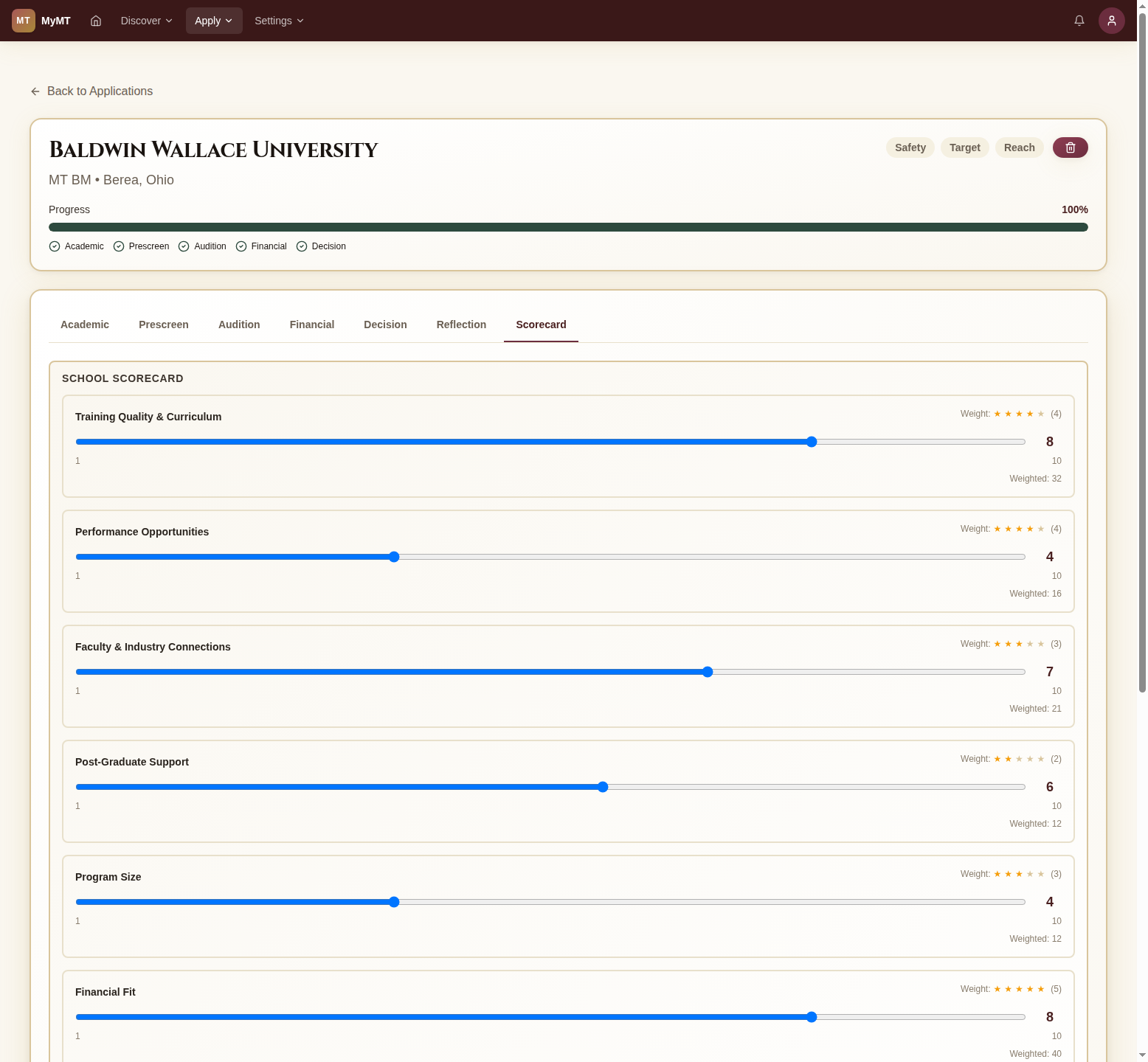
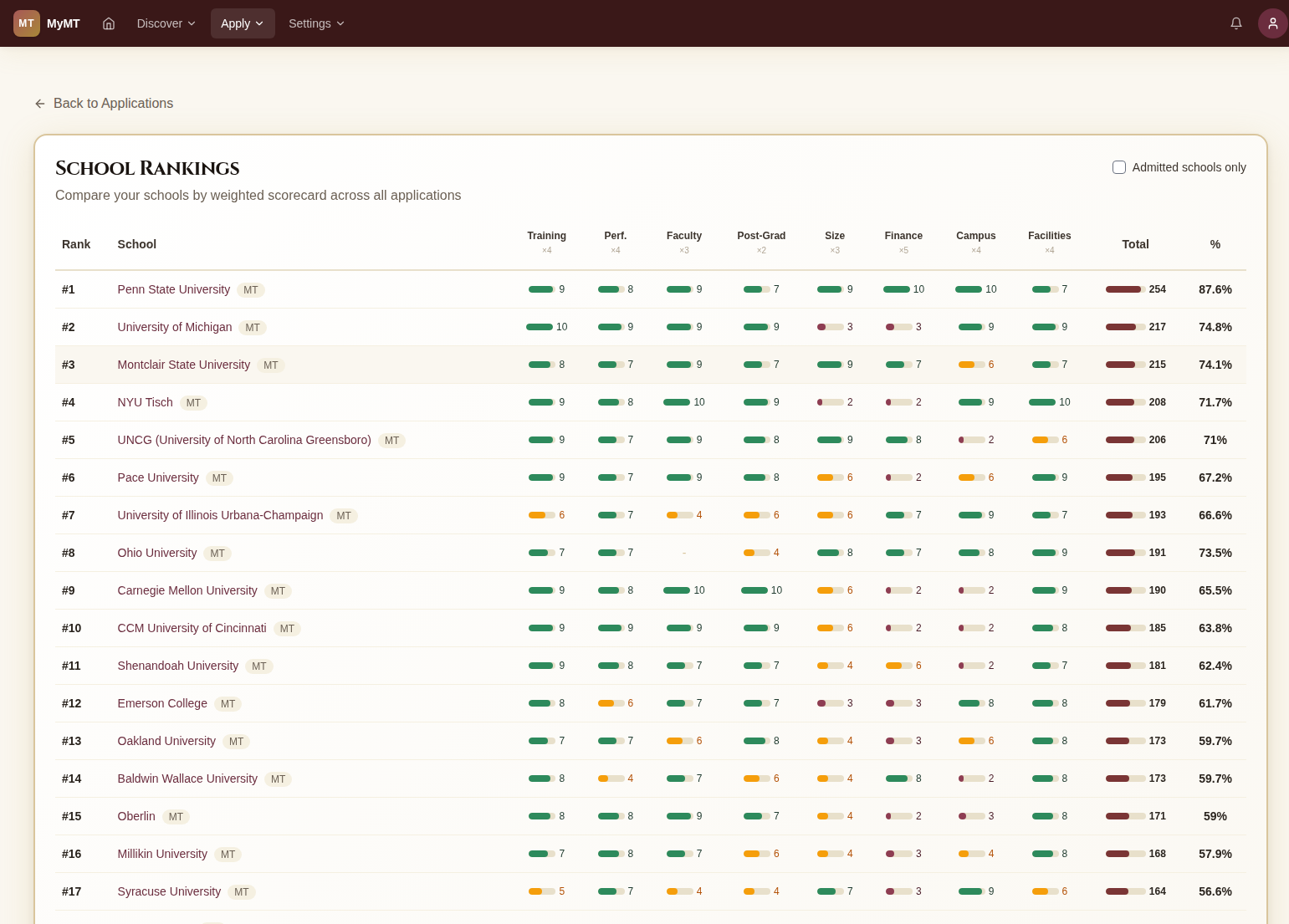
Start by defining what matters most. Use sliders to set importance weights for criteria like Training Quality, Performance Opportunities, Faculty, Post-Grad Support, and more.